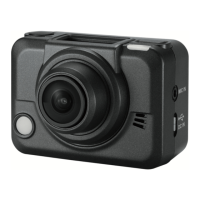
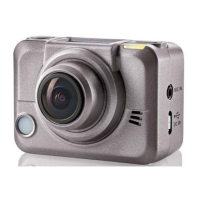
SilverCrest SCW 5 A1
English - 25
Getting started
Powering the camcorder on/off
Press and hold the On/Off/Mode button [2] for at least 3 seconds to switch the camcorder
on or off. While powering on the status LED [3] goes green.
The display
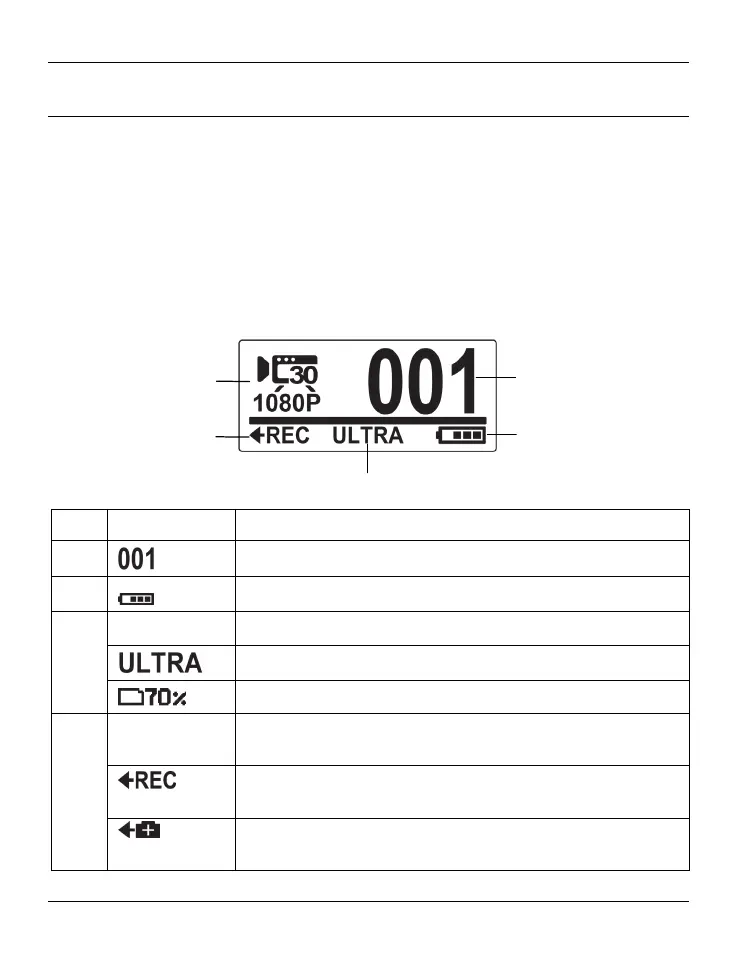
The display [1] shows the following information:
23
25
21
22
24
No. Icon* Description
21
Number of recordings saved
22
Battery capacity
23
Alternates between the following:
Displays the field of view of the camera: WIDE or ULTRA
Shows the remaining storage space in percentage.
24
Displays the option that is executed when pressing the record
button [9].
When this icon is shown, pressing the record button [9] starts a
video recording.
When this icon is shown, pressing the record button [9]
captures a picture.


 To Next Page
 Loading...