10
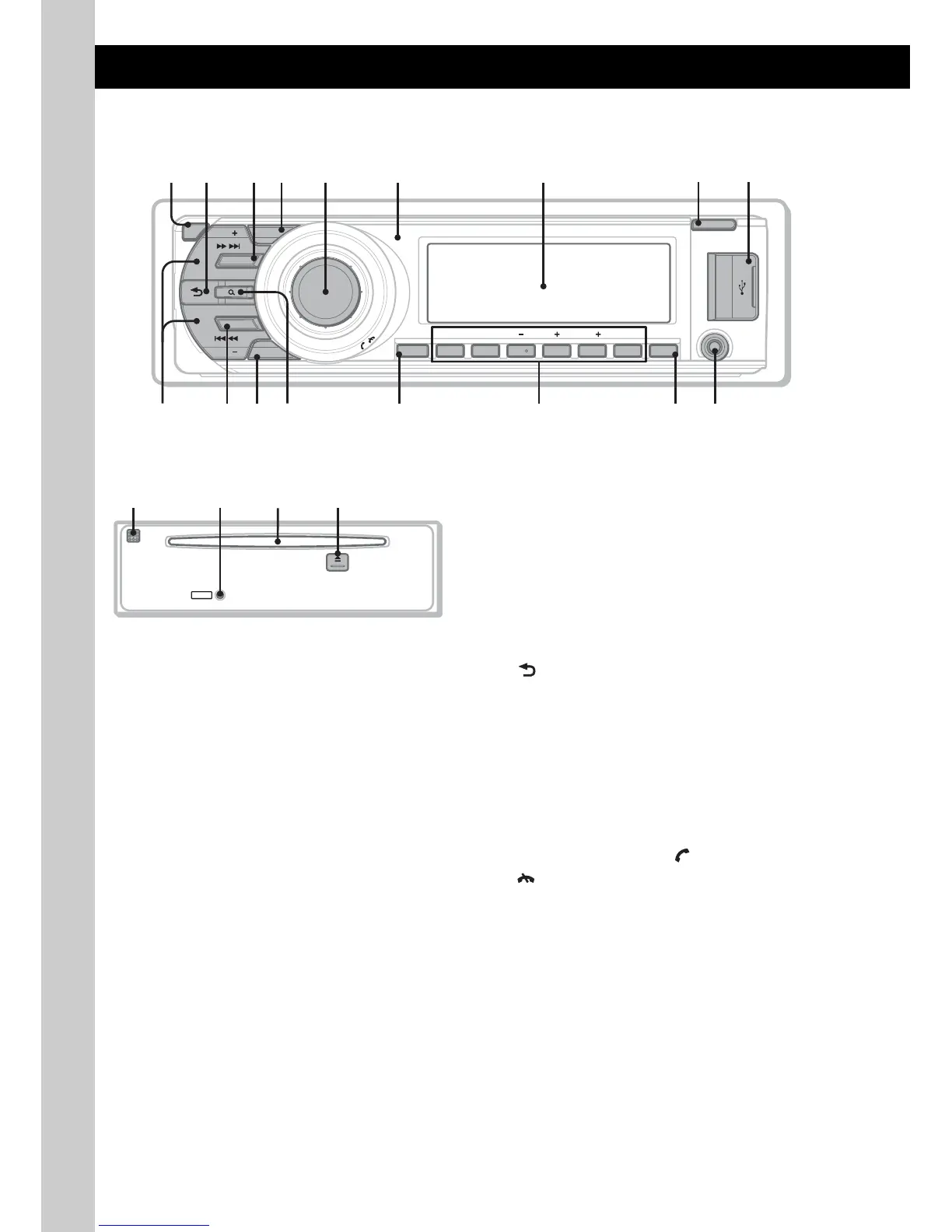
Location of controls and basic operations
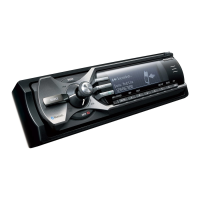
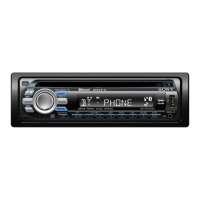
Main unit
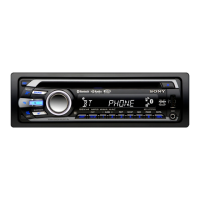
Front panel removed This section contains instructions on the location
of controls and basic operations. For details, see
the respective pages.
The corresponding buttons on the card remote
commander control the same functions as those
on the unit.
A OFF button page 26
To power off; stop the source.
Bluetooth phone:
To end or reject a call.
B (BACK) button page 14, 22, 30, 31
To return to the previous display.
C SOURCE button
To power on; change the source (Radio/CD/
USB/AUX/Bluetooth audio/Bluetooth
phone)*
1
.
D ZAP button page 15
To enter ZAPPIN™ mode.
E Control dial/select/ (handsfree)/
(end call) button
To adjust volume (rotate); select setup items
(press and rotate).
Bluetooth phone:
To enter the CALL menu; receive/end a call.
F Receptor for the card remote
commander
G Display window
H OPEN button page 8
I USB terminal page 17
To connect to the USB device.
BT
OFF
SOURCE
MODE
BLUETOOTH
ZAP
SEEK
SEEK
SCRL DSPL
OPEN
ALBUMREP SHUF PAUSEDM
312 456
AUX
BT
P
U
S
H
E
N
T
E
R
/
S
O
U
N
D
/
M
E
M
U
/
/
1
q;
24 65 7
8
9
3
qa qd qjqg qhqfqs
RESET
w;qk waql


 To Next Page
 Loading...