31
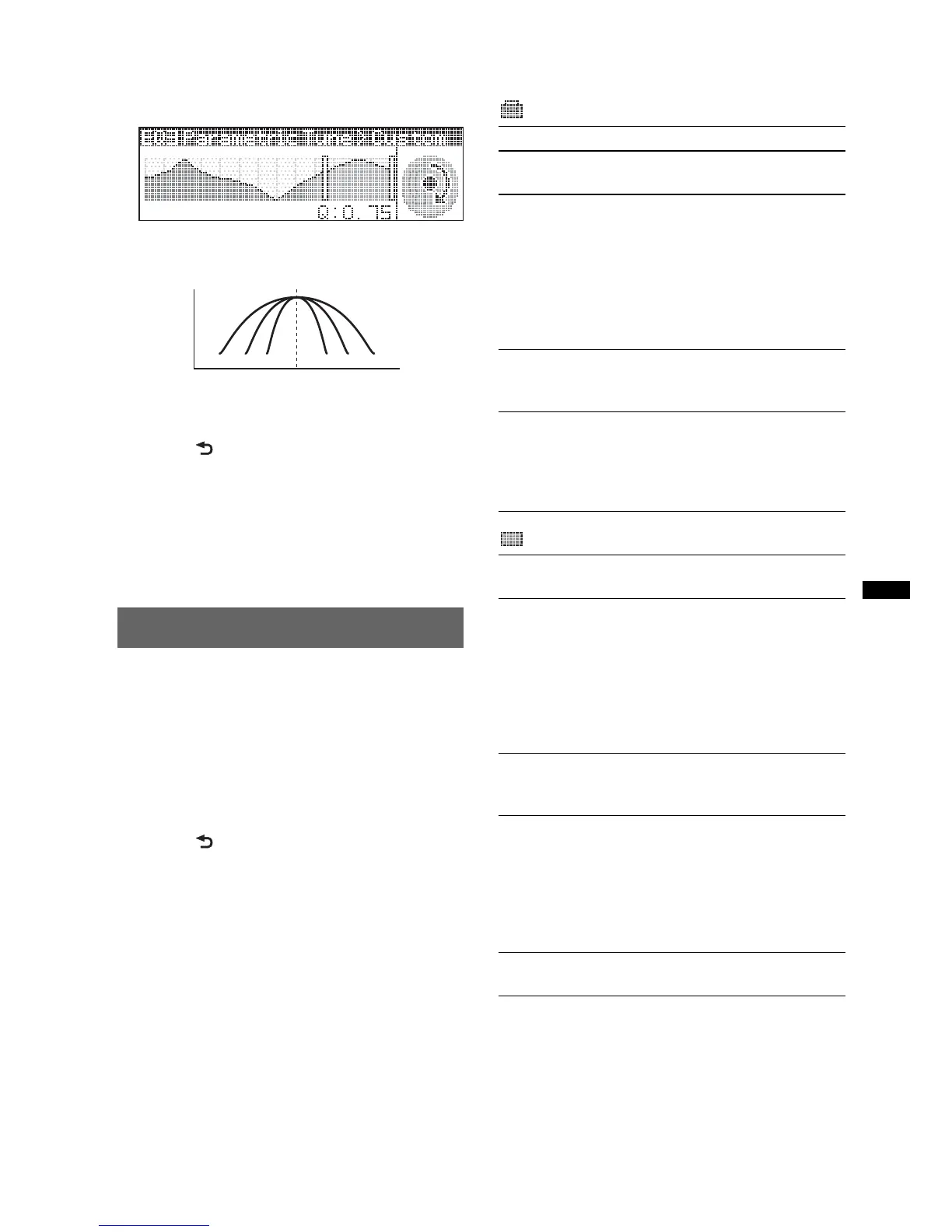
Selectable “Q” settings in each range:
Low: “0.5,” “1.0,” “1.5,” or “2.0”
Mid: “0.75,” “1.0,” “1.25,” or “1.5”
Hi: “0.75,” or “1.25”
You can control “Q” (the width of the range
of affected frequencies) with this function.
Repeat steps 1 to 2 to adjust other frequency
ranges.
4 Press (BACK) down twice.
The setting is complete and the display
returns to normal play/reception mode.
To restore the factory-set equalizer curve, select
“Initialize” and “Yes” in step 3.
Tip
Other equalizer types are also adjustable.
Adjusting setup items — SET
1 Press and hold the select button.
The setup display appears.
2 Rotate the control dial until the
desired menu item appears, then
press the select button.
3 Rotate the control dial to select the
setting, then press the select button.
The setting is complete.
4 Press (BACK).
The display returns to normal play/reception
mode.
Notes
• Displayed items will differ, depending on the source
and setting.
• Cannot display with “Bluetooth Phone” source
selected.
The following items can be set (follow the page
reference for details):
Setup
Display
Hz
Q=1.0 1.5 2.0 1.01.52.0
dB
Clock Adjust (page 8)
Beep
Activates the beep sound: “on,” “off.”
RM (Rotary Commander)
Changes the operative direction of the rotary
commander controls.
– “NORM”: to use the rotary commander in the
factory-set position.
– “REV”: when you mount the rotary
commander on the right side of the steering
column.
AUX Audio*
1
Activates the AUX source display: “on,” “off”
(page 32).
Auto Off
Shuts off automatically after a desired time
when the unit is turned off: “NO,” “30sec
(seconds),” “30min (minutes),” “60min
(minutes).”
Demo
(Demonstration)
Activates the demonstration: “on,” “off.”
Image
Sets various display images.
– “Movie”: to display a movie.
– “SA 1 – 3, All”: to display the Spectrum
Analyzer.
– “Wall.P 1 – 3, All”: to display a wallpaper.
– “off”: to not display any image.
– “All”: to display all images.
Information
Displays the items (depending on the source,
etc): “on,” “off.”
Dimmer
Changes the display brightness.
– “Auto”: to dim the display automatically when
you turn lights on. (Available only when the
illumination control lead is connected.)
– “on”: to dim the display.
– “off”: deactivate the dimmer.
Auto Scroll
Scrolls long items automatically: “on,” “off.”
continue to next page t


 To Next Page
 Loading...