NW-E013/E015/E016/E013F/E015F/E016F.GB 3-093-019-11(1)
54
54
Settings
Setting the Brightness of the display
(Brightness)
You can set the display brightness to one of 7 levels. “6” is set by default.
/ button
button
/HOME button
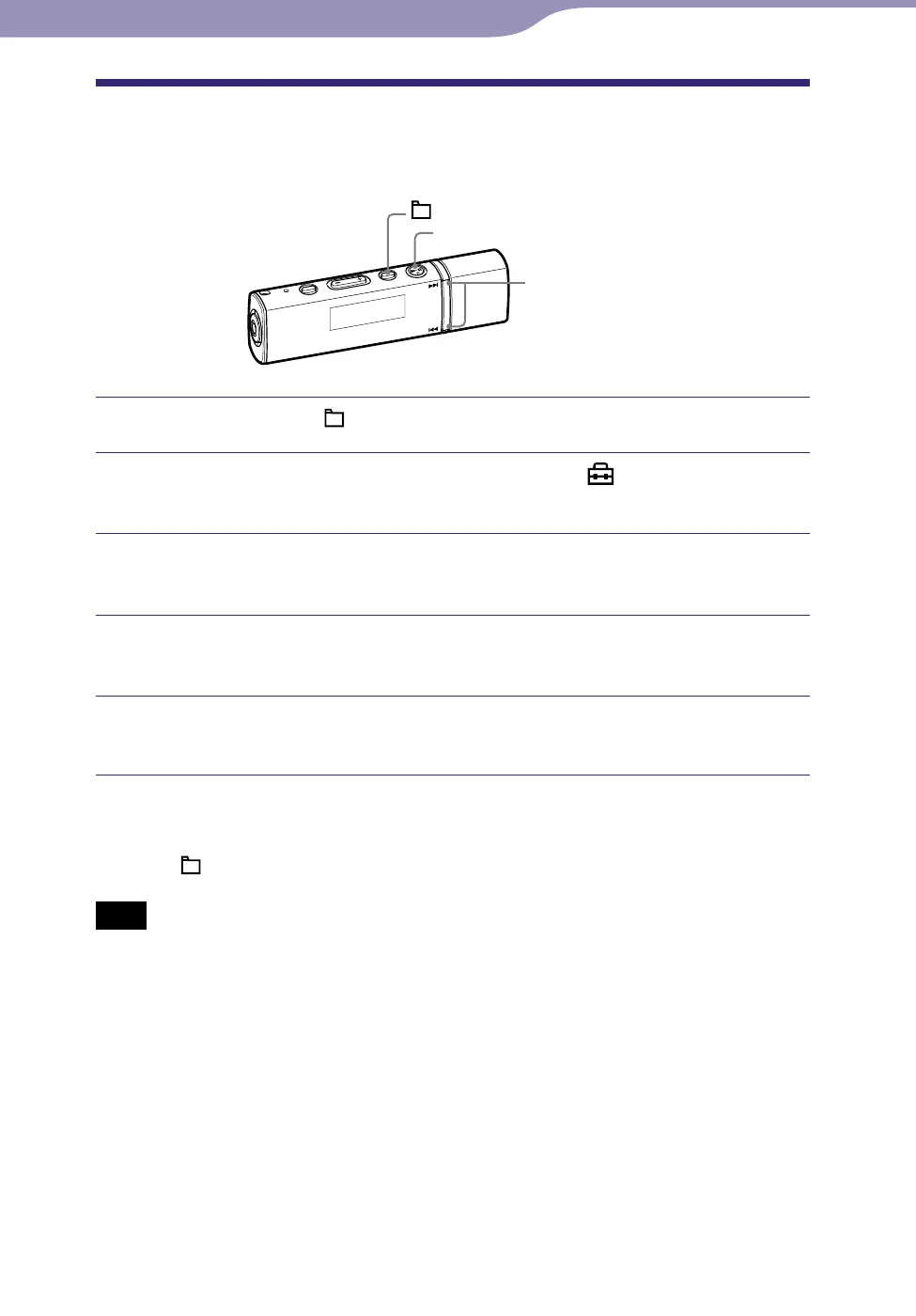
Press and hold the /HOME button until the HOME menu appears.
Press and hold the / button to select (Settings), and
then press the button to conrm.
Press the / button to select “Advanced Settings>,” and then
press the button to conrm.
Press the / button to select “Brightness>,” and then press
the button to conrm.
Press the / button to adjust the brightness level, and then
press the button to conrm.
To return to the previous menu
Press the /HOME button.
Note
You can only set the brightness of the screen for during operation. It is not possible to set
brightness for idle periods when the player is not being operated.



 To Next Page
 Loading...








