Troubleshooting Guide (mech)
1277-1356 Rev 2
© Sony Mobile Communications AB – Company Internal
17(45)
Problem Areas
1.7 Earspeaker
1.7.1 Earspeaker
Check:
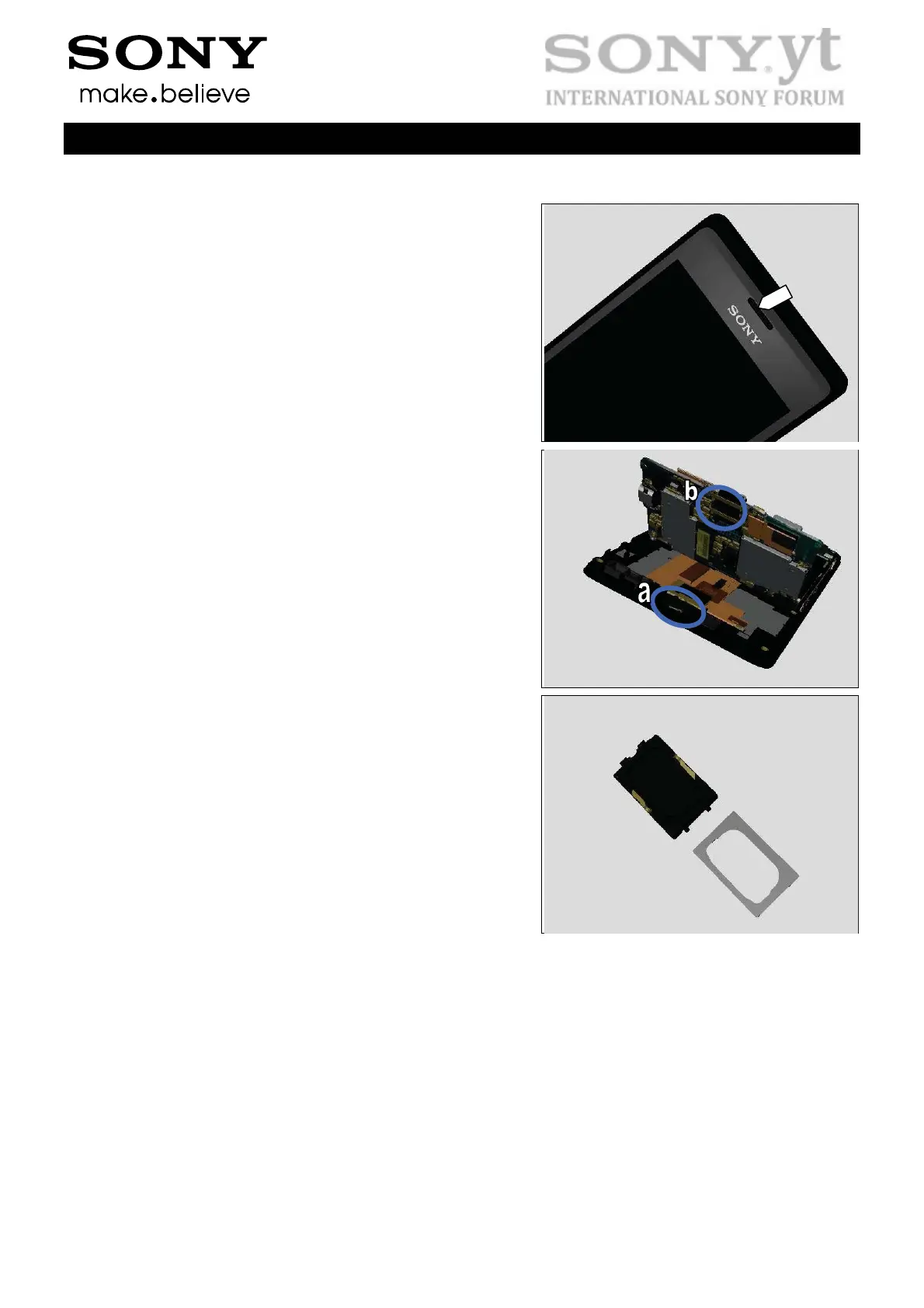
Inspect the Earspeaker’s external port on the Front Cover
Sub Assembly.
Action:
If clogged – clean it.
Check:
Inspect the contact pins (a) of the Earspeaker and the
contact pads (b) on the Main PBA.
Action:
1. If dirty – clean them.
2. If the Earspeaker or its contact pins are damaged –
replace the Earspeaker and the Earspeaker Adhesive.
3. Replace the Main PBA.


 To Next Page
 Loading...