Troubleshooting Guide (mech)
1277-1356 Rev 2
© Sony Mobile Communications AB – Company Internal
39(45)
Problem Areas
1.25 Charging
1.25.1 Battery will not charge
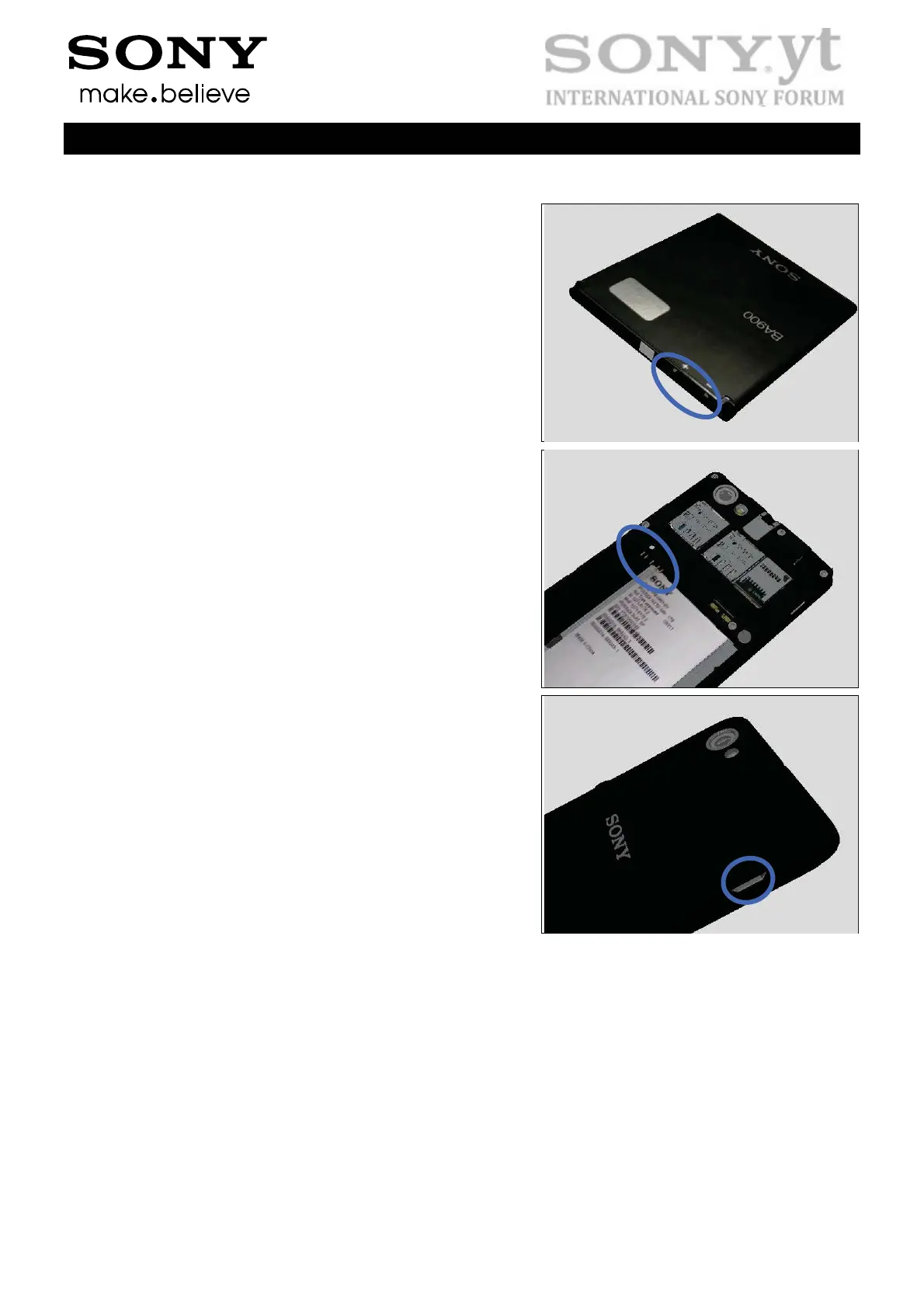
Check:
Inspect the contact pads of the battery.
Action:
1. If dirty or oxidized – clean the pads.
2. If damaged – replace the battery.
Check:
Inspect the battery contact pins.
Action:
1. If dirty or oxidized – clean the contact pins.
2. If adhesive is detected on the contact pins – use an
eraser to gently rub off the adhesive.
3. If the contact pins are damaged – replace the Main PBA.
Check:
Inspect the USB connector.
Action:
1. If dirty or oxidized – clean the connector.
2. Replace the Main PBA.


 To Next Page
 Loading...