14
First step is to connect the Antenna cable. Then you must start the channel scan. You can choose between
Digital and analogue channels, Only analogue channels or Only digital channels. If you skip this step, the
channel scan can be done later by accessing the TV menu. Press OK for your selection.
In the next step, the channel search is started and takes a few minutes.
3.3 Channel installations for Satellite
Select the tuner mode Satellite and press OK to continue.
Antenna
Cable
Satellite
Tuner Mode
Please select
your tuner mode:
Channel scan
First, please connect the cable.
Star the channel scan now?
If you skip this step,
the channel scan could
be performed in Menu.
Digital and analog channels
Only analogue channels
Only digital channels
Skip scan
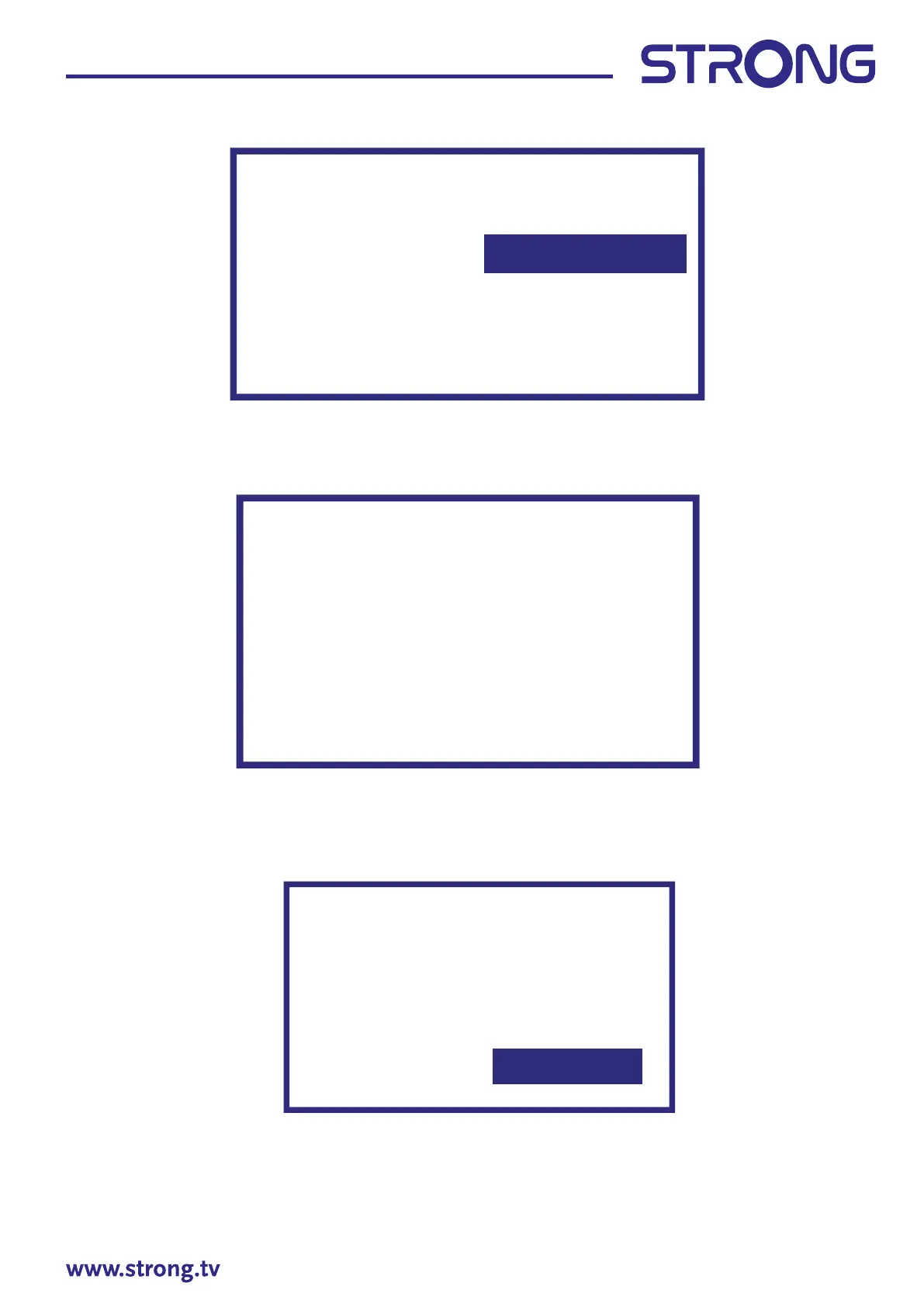
Scanning
The channel scan
may take a while
to complete.
Digital Channels: 0
Analog Channels: 0
Progress: 7%


 To Next Page
 Loading...