27
8.2.2 Browse photos
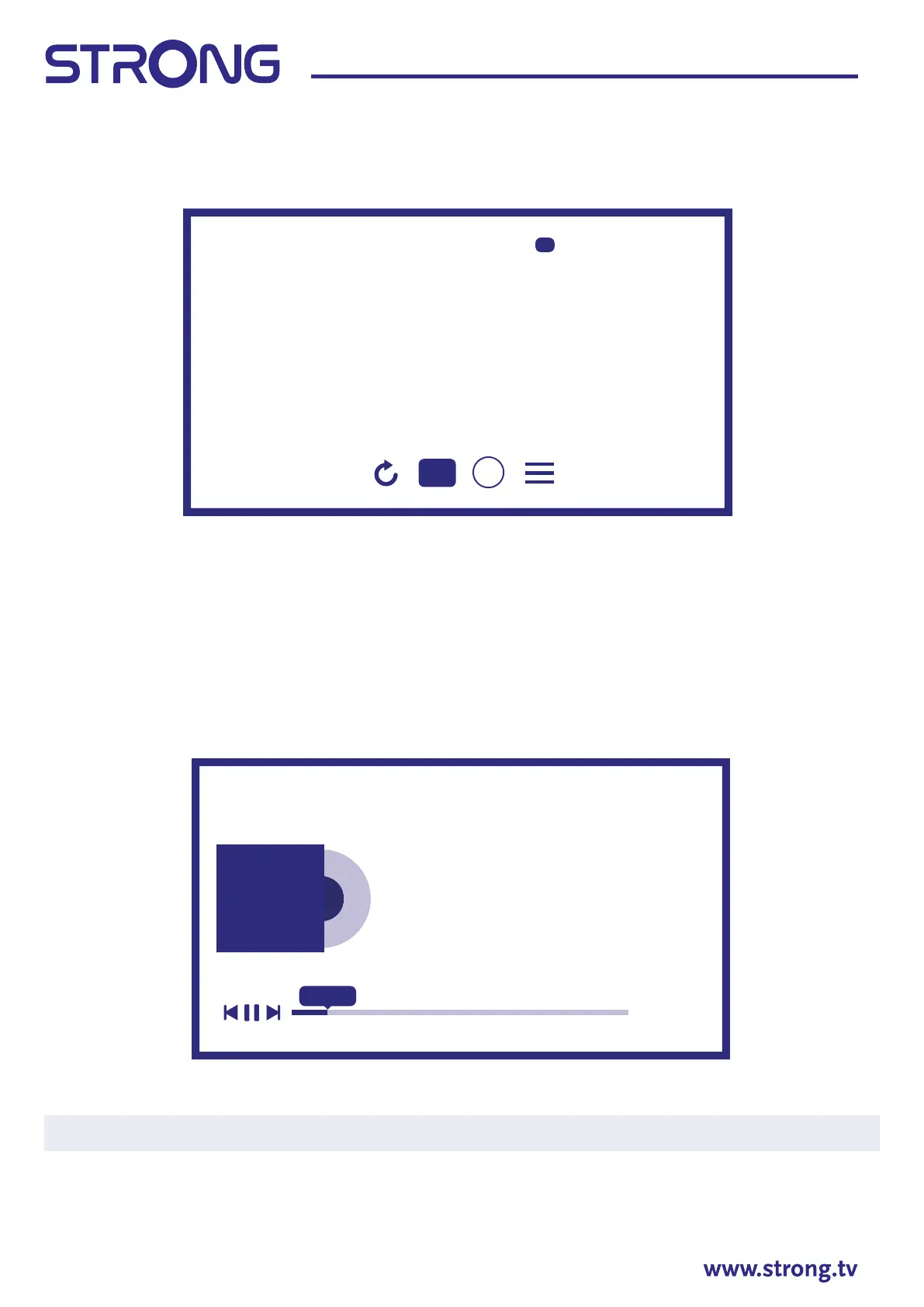
Select Photo from Multimedia type selection and choose the le from which the slideshow has to start the
playback.
To get access to control playback during playback press OK button to display the menu or button to
display more content.
Available options:
Rotation to rotate picture on screen
Play/Pause to play or pause the slideshow playback
Information display detailed information about le
Menu access the menu to set the background music.
8.2.3 Play music
Select Music from Multimedia type selection and choose le for playback.
To control playback use on-screen or RCU Multimedia buttons.
Note: An over-modulated mp3 le may cause some sound distortion during playback.
8.2.4 Browse les
Select Device from Multimedia type selection and choose folder to enter or le for playback.
Firenze 1 (4204x2797).jpg
16/64
Pressexperience more content
i
O1 - The River Rise.mp3
Mark Lanegan
O1 - The River Rise.mp3
O2 - Borracho.mp3
O3 - House A Home.mp3
O4 - Kingdoms of Rain.mp3
00:08
04:30


 To Next Page
 Loading...