- 51 -
---End
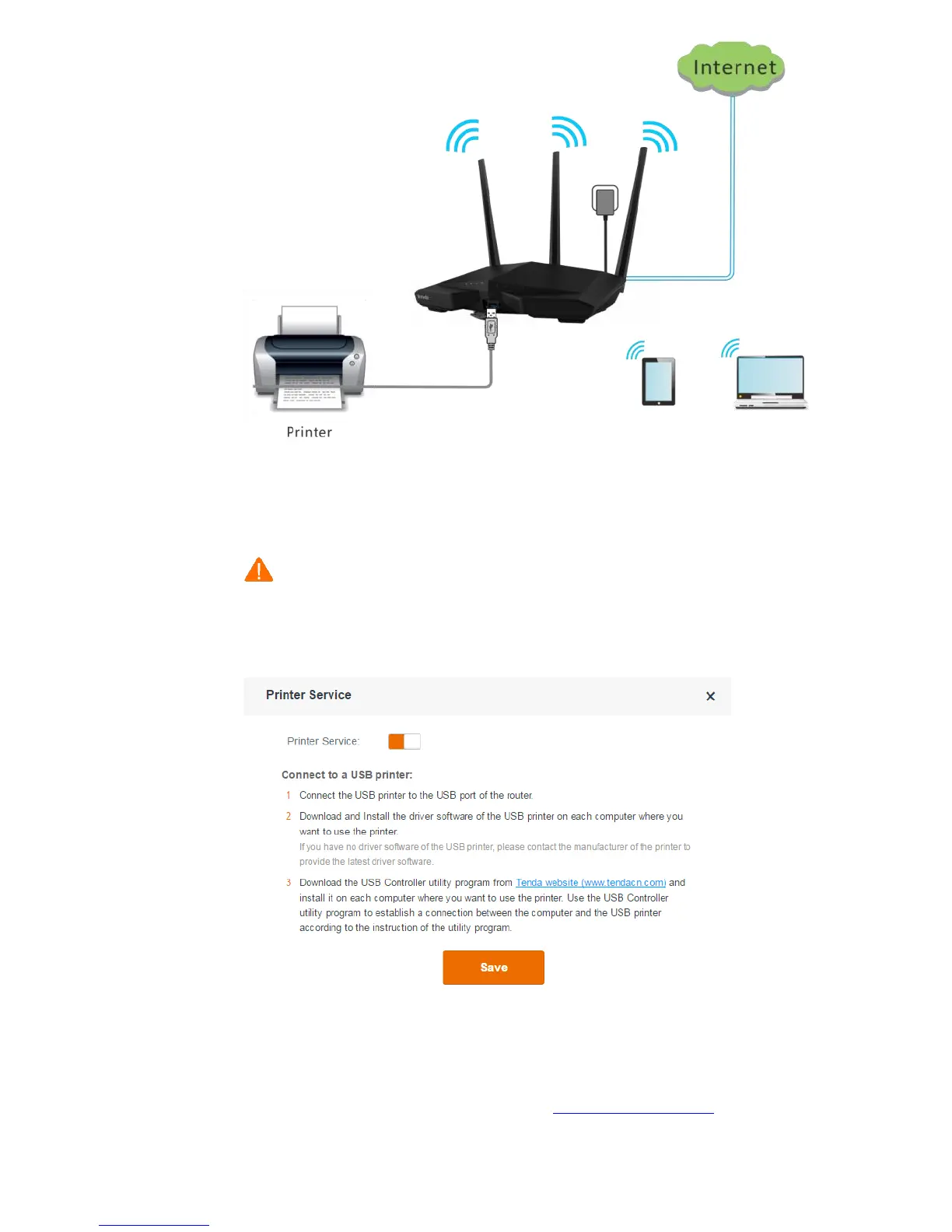
Installing a Printer
Note
HP LaserJet 1020 is taken as an example to describe the procedure.
Step 1 Connect the printer to the USB port of the router.
Step 2 Enable the printing service of the router.
Step 3 Install Tenda's printing service control program on your computer. (A computer running
Windows 7 is taken as an example to describe the procedure.)
1. Download the package of the program from http://www.tendacn.com and decompress
the package.


 To Next Page
 Loading...