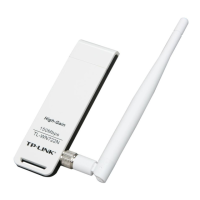
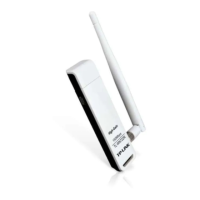
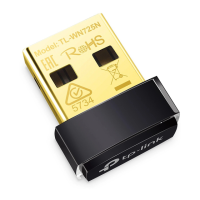
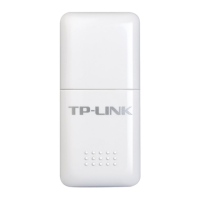
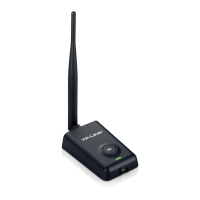
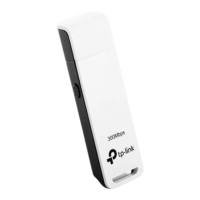
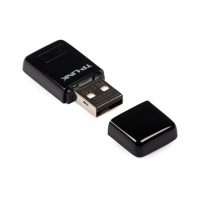
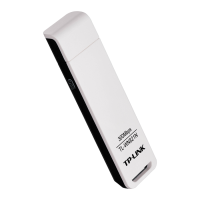
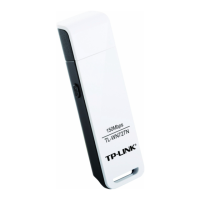
TL-WN727N 150Mbps Wireless N USB Adapter
3
1.3 Hardware Overview
LED status:
Status Working Status
Off
The driver has not been installed;
The adapter's radio has been disabled.
Flashing Slowly
The driver has been installed but no data is being transmitted or
received.
Flashing Quickly Data is being transmitted or received.
) Note:
When the card failed to connect to a wireless network, the LED may be off. Please choose your
network and try to connect again.


 To Next Page
 Loading...