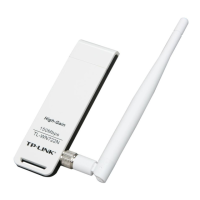
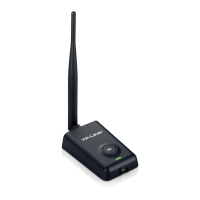
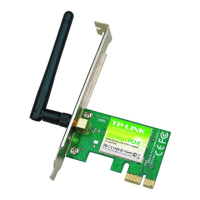
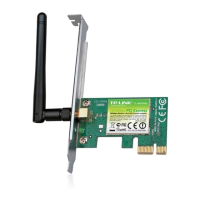
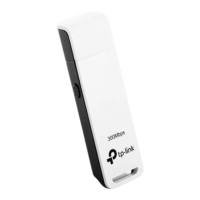
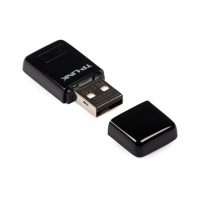
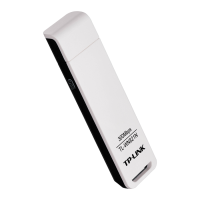
TL-WN727N 150Mbps Wireless N USB Adapter
31
Chapter 6 Uninstall Software
6.1 In Windows XP/7
6.1.1 Uninstall the utility software from your PC
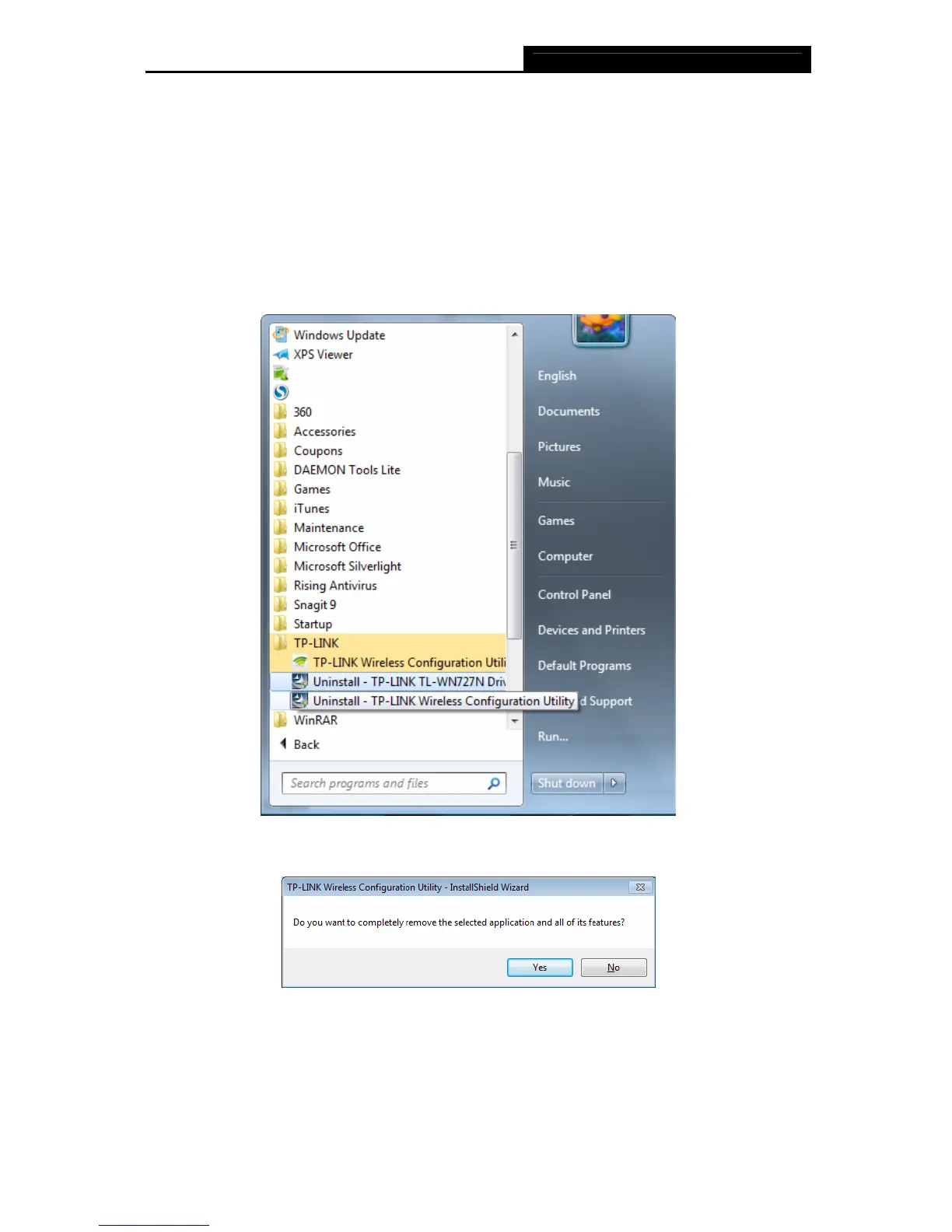
1. On the Windows taskbar, click the Start button, click All programsÆTP-LINK, and then
click Uninstall-TP-LINK Wireless Configuration Utility.
Figure 6-1 Uninstall Utility
2. Follow the Install Shield Wizard to uninstall the utility software from your PC.
Figure 6-2


 To Next Page
 Loading...