Shortcut buttons settings6.2
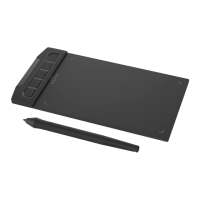
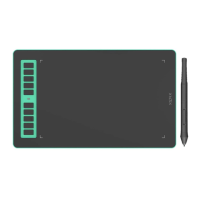
P3-1060
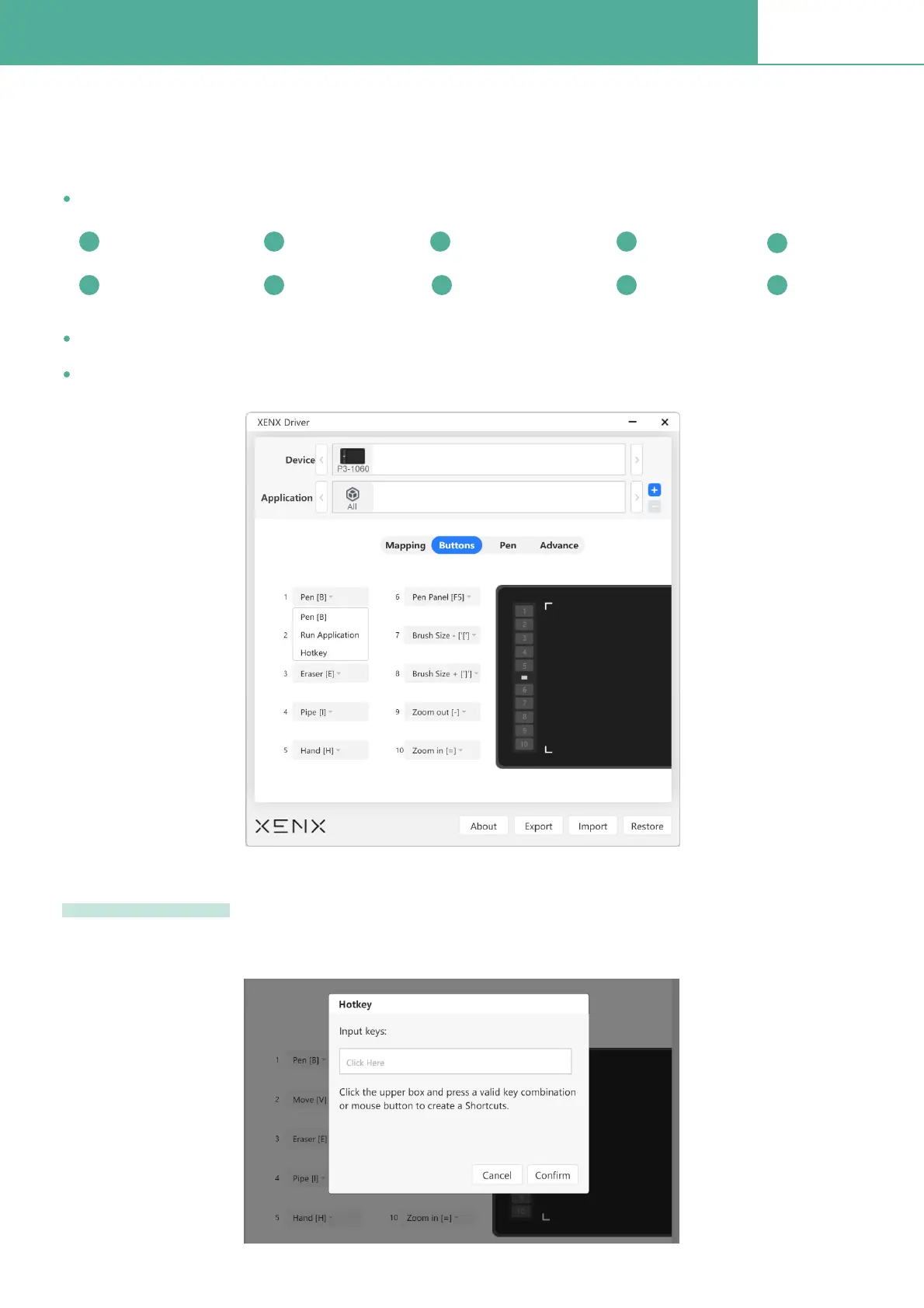
You can customize the on-tablet shortcut button functions via the buttons settings section. There
are three options for each button:
When you choose Hotkey option, it will pop up a window to let you enter the combination of keys.
Hotkey setup
The preset value - We have pre-deÞned a set of shortcut keys to work with Adobe® Photoshop®.
Run Application Ð this option allows you to open an application by clicking the button
Hotkey Ð You can customize any combination of keyboard keys to match the shortcut of speciÞc application
Brush Move Eraser Eyedropper
Hand
Brush settings Brush size -
Brush size +
Zoom out Zoom in

 To Next Page
 Loading...