Listening to the Demo Songs
P-70 Owner’s Manual
ENGLISH
13
Listening to the Demo Songs
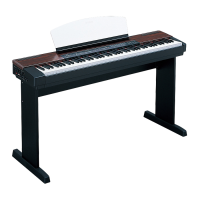
Demo songs are provided that effectively demonstrate each of the P-70’s voices.
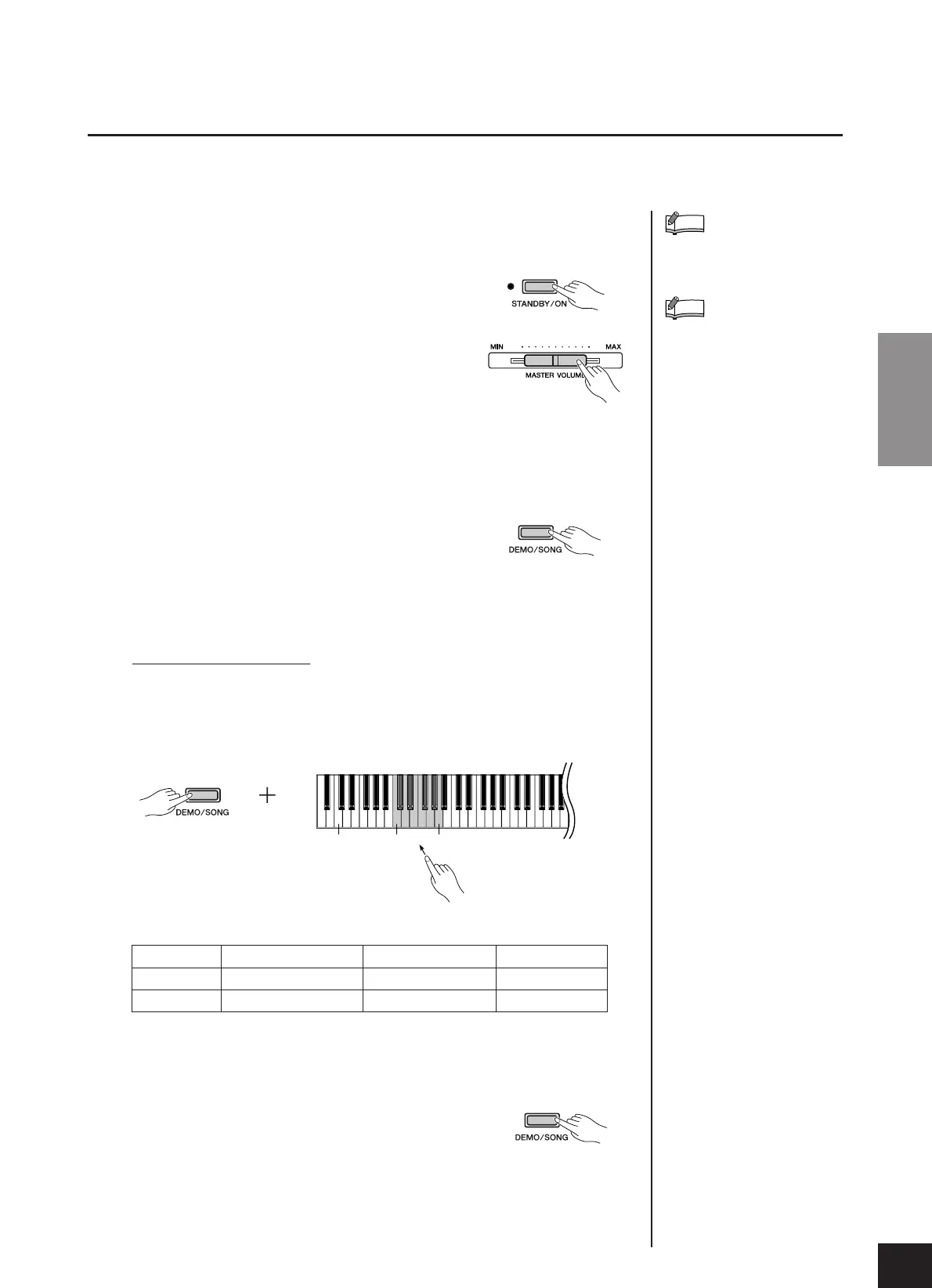
1. Press the [STANDBY/ON] switch to turn the power
on.
When the power is turned ON, the power indicator
located to the left of the [STANDBY/ON] switch lights
up.
2. Adjust the volume.
Initially set the [MASTER VOLUME] slider about half
way between the “MIN” and “MAX” settings. Then,
when you start playing, re-adjust the [MASTER VOL-
UME]
slider to the most comfortable listening level.
3. Press the [DEMO/SONG] button to
listen to the demo songs.
The GRAND PIANO 1 demo song will start. Demo
songs provided for each voice and the 50 piano preset
songs will play back in sequence until you press the
[DEMO/SONG] button.
Changing a Demo Song
You can change to another demo song during playback by pressing the [SELECT]
button. For selecting a demo song using the keyboard, press one of the C1–A1
keys while holding down the [DEMO/SONG] button.
Demo Song List
• The demonstration pieces listed above are short rearranged excerpts of the original
compositions.
• All other songs are original (© 2005 Yamaha Corporation).
4. Press the [DEMO/SONG] button to
stop the voice demo.
Refer to the voice list on page 15
for more information on the char-
acteristics of each preset voice.
The demo songs will not be trans-
mitted via MIDI.
NOTE
NOTE
KeyVoice Name Title Composer
G1 HARPSICHORD 1 Gavotte J.S. Bach
G#1 HARPSICHORD 2 Invention No. 1 J.S. Bach
C0 C1 A1
Reference


 To Next Page
 Loading...