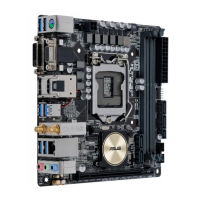
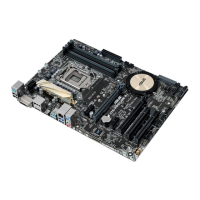
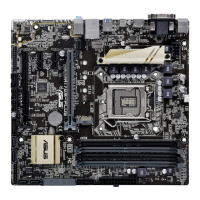
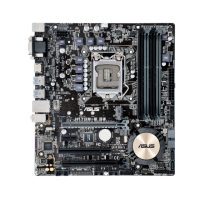
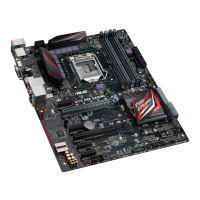
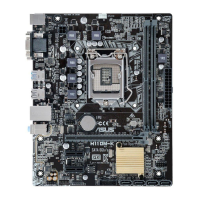
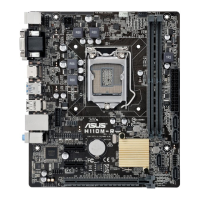
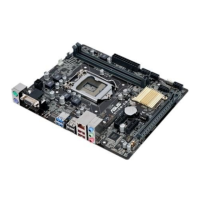
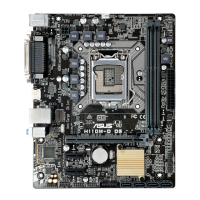
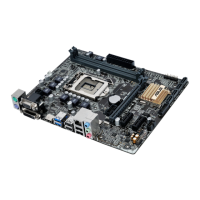
ASUS H170I-PRO
1-5
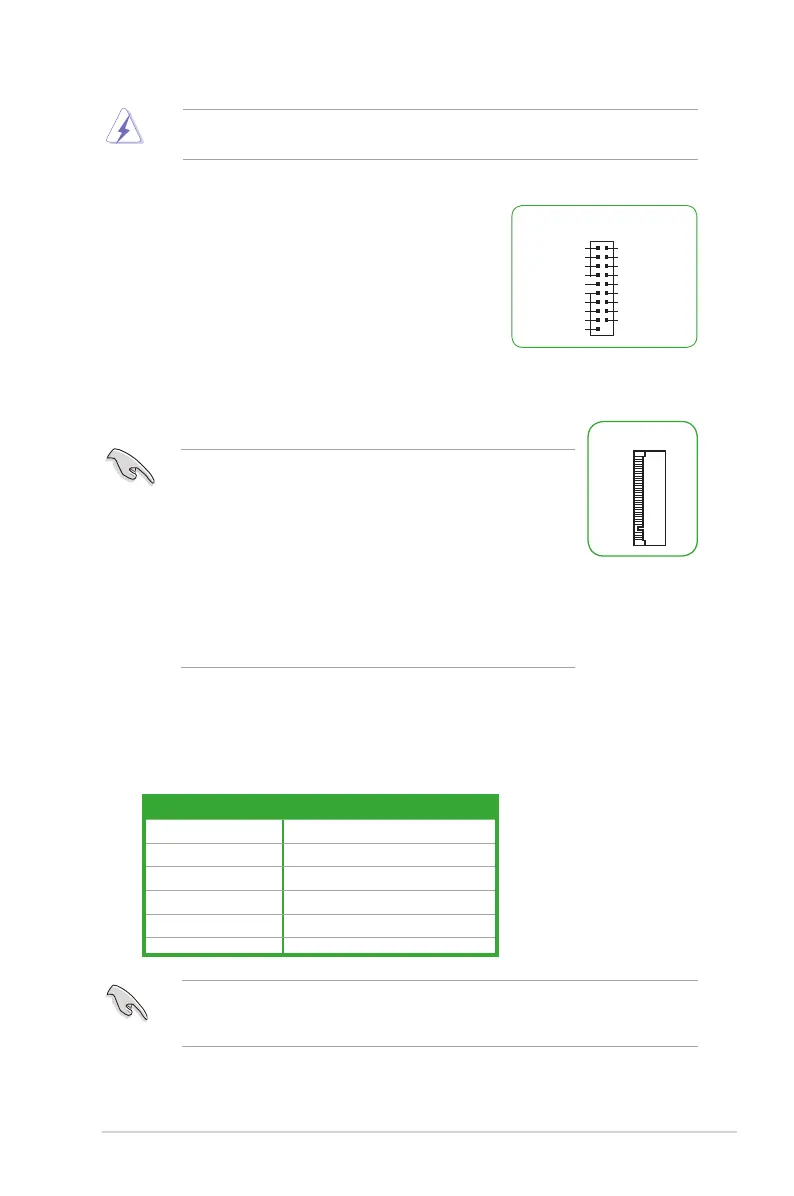
10. USB 3.0 connector (20-1 pin USB3_12)
ThisconnectorallowsyoutoconnectaUSB3.0module
foradditionalUSB3.0frontorrearpanelports.Withan
installedUSB3.0module,youcanenjoyallthebenets
ofUSB3.0includingfasterdatatransferspeedsofup
to5Gbps,fasterchargingtimeforUSB-chargeable
devices,optimizedpowerefciencyandbackward
compatibilitywithUSB2.0.
USB3_12
GND
IntA_P1_D+
IntA_P1_D-
GND
IntA_P1_SSTX+
IntA_P1_SSTX-
GND
IntA_P1_SSRX+
IntA_P1_SSRX-
USB3+5V
IntA_P2_D+
IntA_P2_D-
GND
IntA_P2_SSTX+
IntA_P2_SSTX-
GND
IntA_P2_SSRX+
IntA_P2_SSRX-
USB3+5V
• ThissocketsupportsMKeyand2242/2260/2280storage
devices.
• WhentheM.2Socket3isoperatinginSATAmode,SATAport1
will be disabled.
• M.2SocketandPCIeX16_2connectorsupportPCIemodeand
sharebandwidth.Bydefault,thedevicedetectionpriorityofthe
systemisasfollows:SATAModeM.2>PCIeX16_2connector.
• WhenusingIntel
®
DesktopResponsivenesstechnologieswith
PCIeM.2device,ensuretosetuptheWindows
®
UEFIoperating
systemunderRAIDmode.
11. M.2 socket 3
This socket allows you to install an M.2(NGFF)SSDmodule.
M.2(SOCKET3)
12. PCI Express 3.0/2.0 x16 slot
ThismotherboardsupportsonePCIExpress3.0/2.0x16graphiccardthatcomplywith
thePCIExpressspecications.
A B C
D
VGA shared – – –
USB3.0Controller shared – – –
SATAController shared – – –
HDController shared – – –
IntelLAN shared – – –
Realtek8111Hlan – – shared –
IRQ assignments for this motherboard
WhenusingPCIcardsonsharedslots,ensurethatthedriverssupport“ShareIRQ”orthat
thecardsdonotneedIRQassignments.Otherwise,conictswillarisebetweenthetwoPCI
groups,makingthesystemunstableandthecardinoperable.
Neverconnecta1394cabletotheUSBconnectors.Doingsowilldamagethe
motherboard!


 To Next Page
 Loading...