MP250 User Guide
12
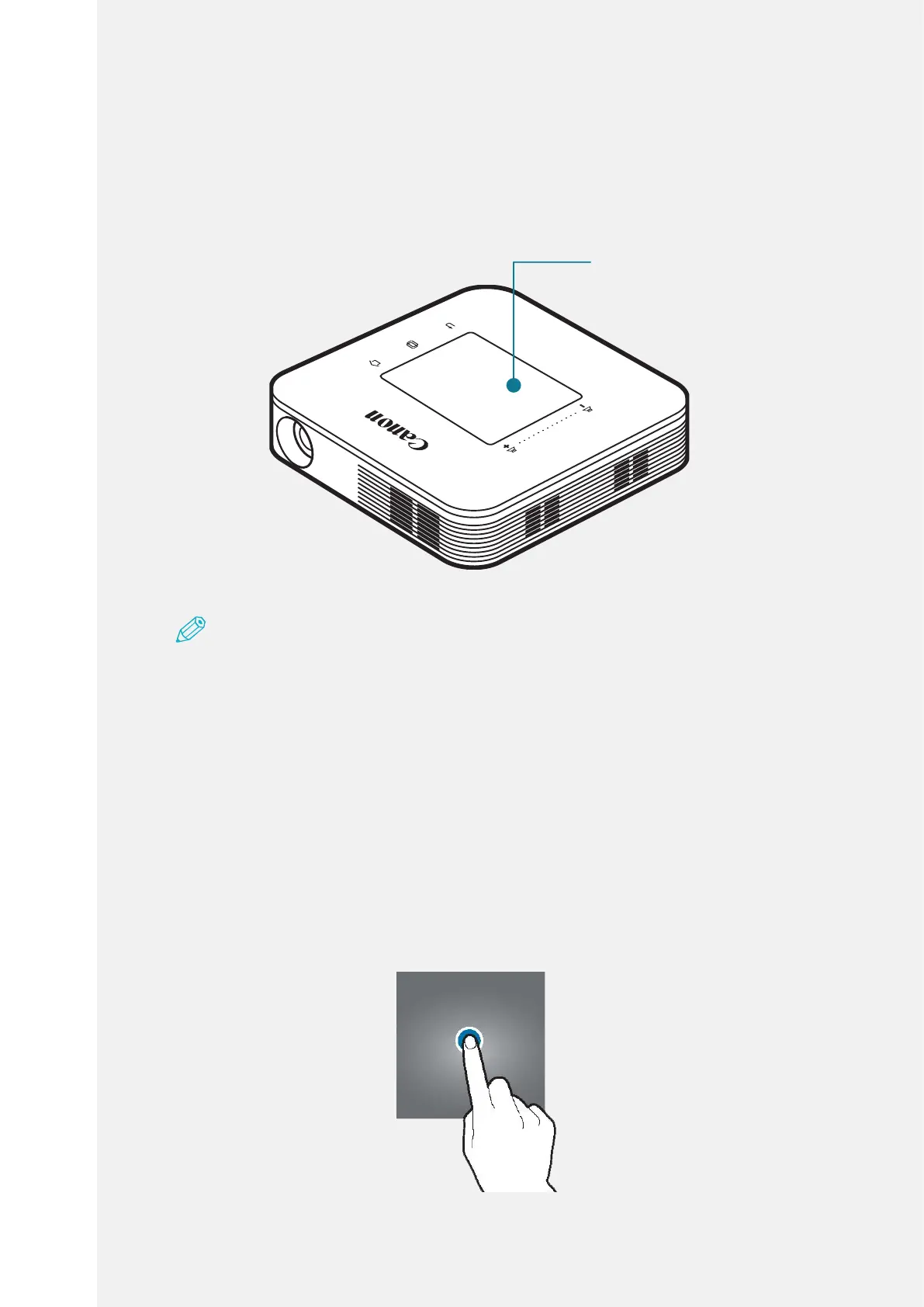
Controlling Touchpad
Onthescreenwhereimageisprojected,actionssuchasselectingmenu,
launchingapplication,clickingbuttonorenteringkeyboardtextarepossible
usingtouchpad.
Note
•Takeprecautionstoavoidanymaterialsthatconductelectricityfromcontactingthe
touchpadortouchbutton.Thetouchpadmightnotoperateproperlyorbreakdown
duetotheelectricstimulationsuchasstaticelectricity.
•Becausetheedgeoftouchpadisapartwheretherecognitionoftouchends,touchpad
maynotoperateproperlywhenyoupressthispart.
•Touchthetouchpadwithyournger.
Select/Run
Tapthetouchpadgentlytorunanapplication,selectadesiredmenu,press
screendisplaybuttonorpresskeyboard.


 To Next Page
 Loading...