Commonly Used Shooting Functions
78
See Functions Available in Each Shooting Mode (p. 270).
If the [Shots] option is set to 2 or more shots, the following
occurs.
- The exposure and white balance are locked at the settings
selected for the first shot.
- If the flash is used, the interval between shots lengthens.
- The interval between shots may lengthen when the built-in
memory of the camera fills.
- Shooting will automatically cease if the memory card
becomes full.
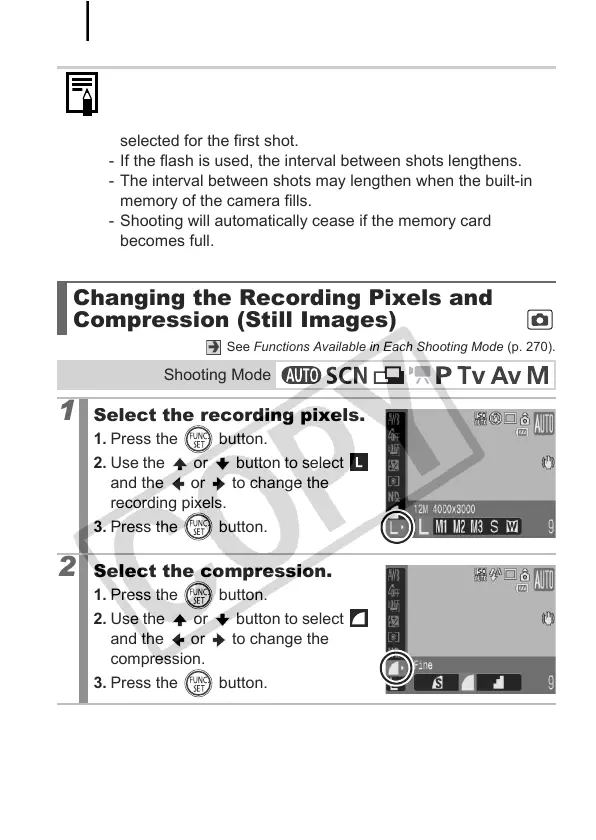
Changing the Recording Pixels and
Compression (Still Images)
Shooting Mode
1
Select the recording pixels.
1. Press the button.
2. Use the or button to select
and the or to change the
recording pixels.
3. Press the button.
2
Select the compression.
1. Press the button.
2. Use the or button to select
and the or to change the
compression.
3. Press the button.



 To Next Page
 Loading...








