Shooting Using the Mode Dial
89
See Functions Available in Each Shooting Mode (p. 270).
When a shooting mode appropriate for the shooting conditions is
selected, the camera automatically adjusts settings for optimal
shooting.
(Special Scene)
You can shoot with the most appropriate settings for the scene.
Shooting Modes for Specific Scenes
Shooting Mode
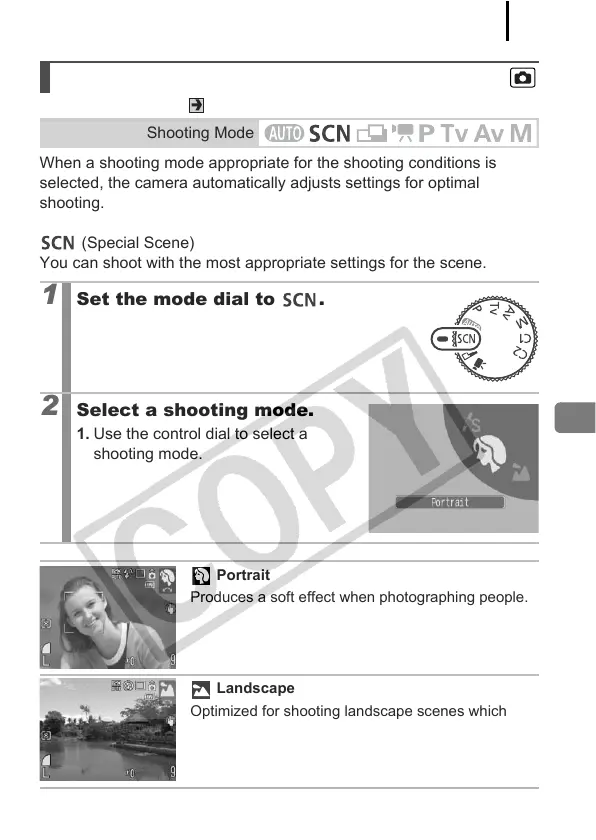
1
Set the mode dial to .
2
Select a shooting mode.
1. Use the control dial to select a
shooting mode.
Portrait
Produces a soft effect when photographing people.
Landscape
Optimized for shooting landscape scenes which
contain both near and far subjects.


 To Next Page
 Loading...









