4-62
Enabling/Disabling View Restrictions
View restrictions can be enabled or disabled when controlling the camera.
1. Choose either “ON” or “OFF” from View
Restriction in the Privilege menu.
Note
Depending on the settings content, some operations are not available from Admin
Viewer.
To Enable or Disable View Restrictions...
Admin Viewer
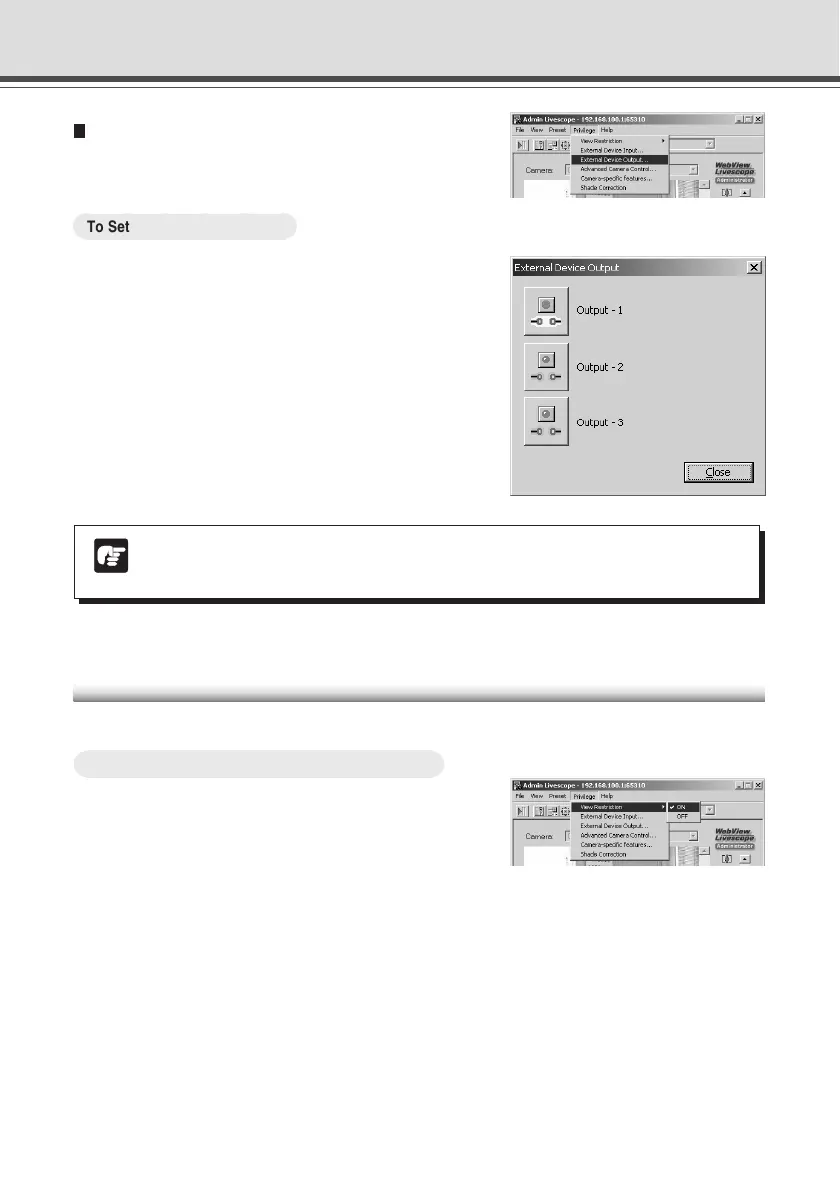
Operating External Device Output
The ON/OFF status of external device output can be
changed.
○○○○○○
To Set External Device Input...
1.
Click the “Start Control” button to get camera
control privileges, then choose External
Device Output from the Privilege menu.
2. The External Device Output dialog box
appears.
The external device output status can be changed
using the ON/OFF buttons for each terminal.
To close the dialog box, click “Close”.


 To Next Page
 Loading...









