4-66
Shade Correction
If the background of an image is bright, making the subject difficult to see, you can adjust the
contrast of the darker areas to make it easier to see. Unlike backlight compensation, the shade
correction feature allows image processing without adversely affecting the existing lighter regions.
○○○○○○
How to operate and set up
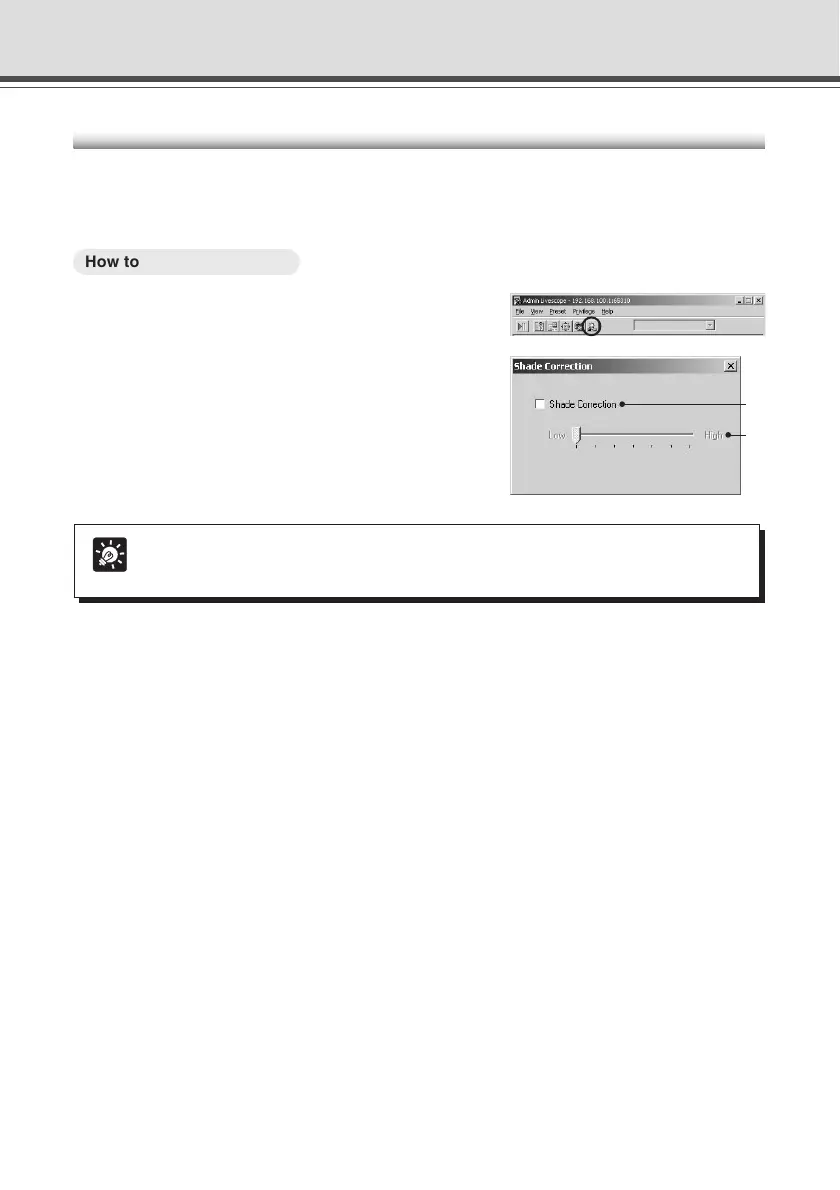
1. Click the “Shade Correction” button on the
toolbar.
2. The Shade Correction dialog box appears.
q Shade Correction
Check for shade correction.
w Shade Correction slide bar
Adjust the level of shade correction.
Admin Viewer
q
w
Tip
Shade Correction feature can be used on live video.


 To Next Page
 Loading...









