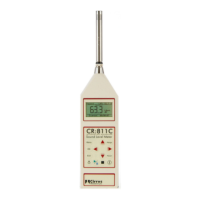
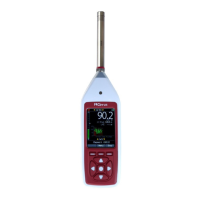
CR:800C Series Sound Level Meter User Manual
Page 24
Key Press Display
Comments
The instrument has not
accumulated sufficient data to
give an accurate measurement.
When enough information has
been gathered, the LZeq value will
be displayed.
3.10 Displaying the data during a measurement
Broadband Mode
During a Broadband Mode measurement, the user can step through the different
measurement parameters. All of the functions are measured simultaneously and are
automatically stored. Please note that this function is only available in Broadband Mode.
Key Press Display
Comments
The instrument starts with the
LAeq,t value and the Elapsed
Time.
The Sound Level, in this case LAF,
is shown in the top right hand
corner of the screen.
The Peak(C) value is shown
The Maximum Sound Level,
LAFmax in this example, is shown
The Sound Exposure Level, or LAE
is shown.
If the User Metric is configured for
either the LAFTeq or LIeq,t
functions, these will be shown
instead of the LAE value.


 To Next Page
 Loading...