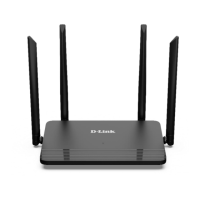
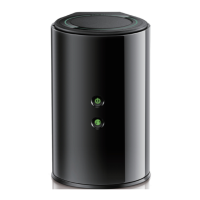
DIR-825/AC Wireless AC1200 Dual Band Gigabit Router with
3G/LTE Support and USB Port
User Manual
Installation and Connection
!
Remember or write down the new password for the administrator account. In case of losing
the new password, you can access the settings of the router only after restoring the factory
default settings via the hardware RESET button. This procedure wipes out all settings that
you have configured for your router.
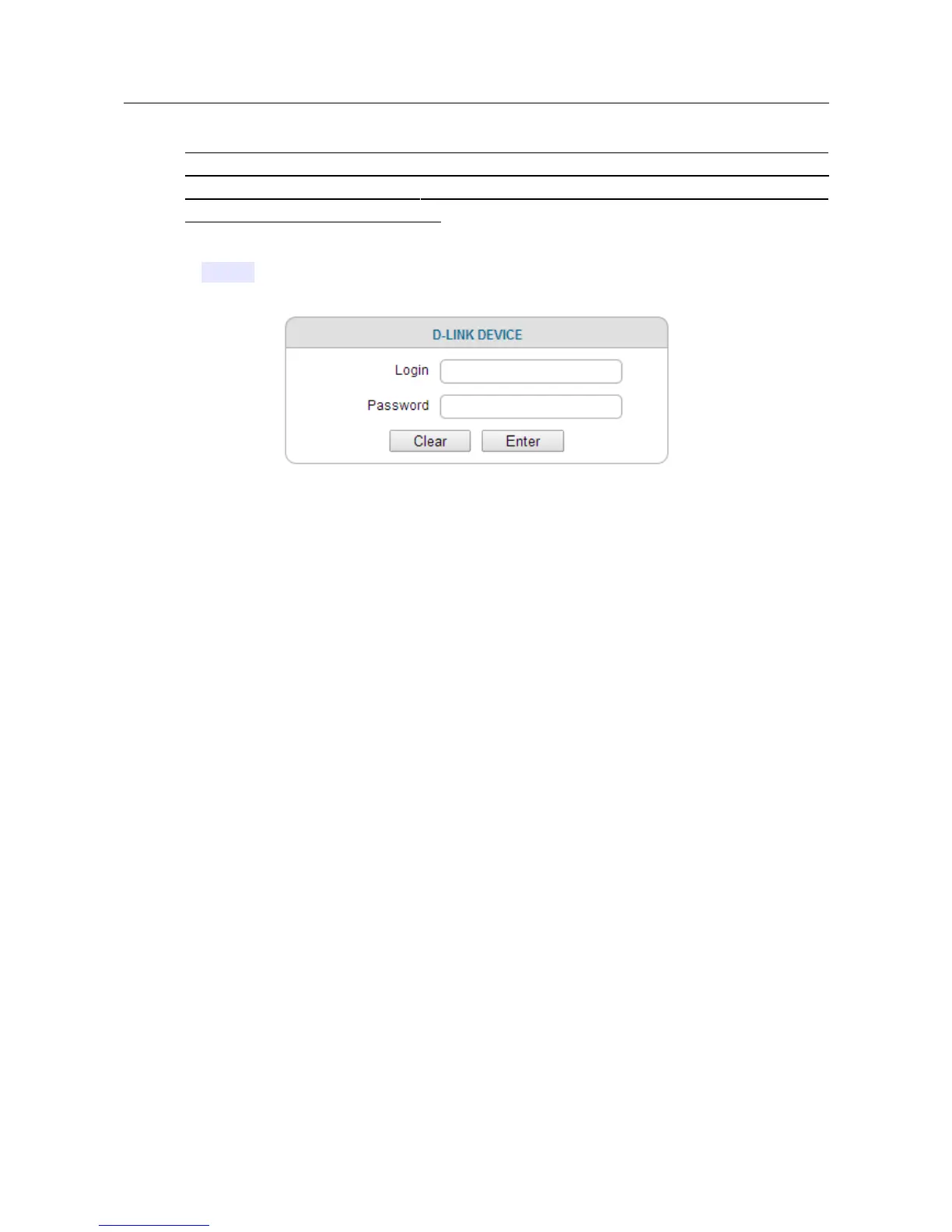
When the web-based interface is accessed the next time and after, the login page opens. Enter the
username (admin) in the Login field and the new password in the Password field, then click the
Enter button.
Figure 17. The login page.
Page 35 of 257


 To Next Page
 Loading...