3. Remove the single (M2x3) screw that secures the WLAN bracket to the system board [1], and lift the WLAN bracket from the system
board [2].
4. Disconnect the two wireless antennas from the connector on the system board [3].
5. Remove the single (M2x4) screw that secures the eDP bracket to the system board and remove the eDP bracket [4, 5].
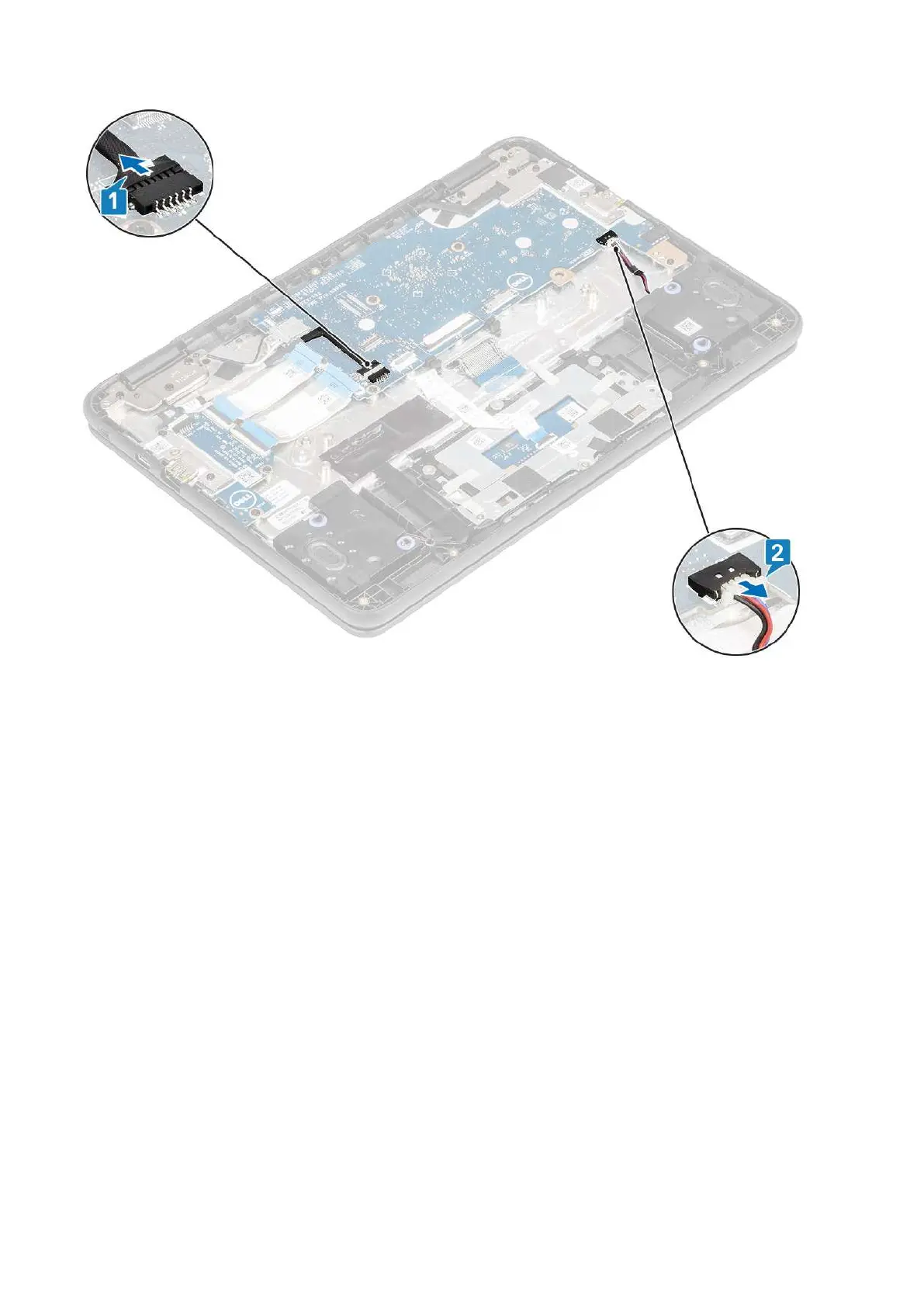
6. Pull back the adhesive tape securing the display cable [6] and disconnect the display cable from the system board [7].
38
Removing and Installing



 To Next Page
 Loading...


