4. SYSTEM MENU
4-2
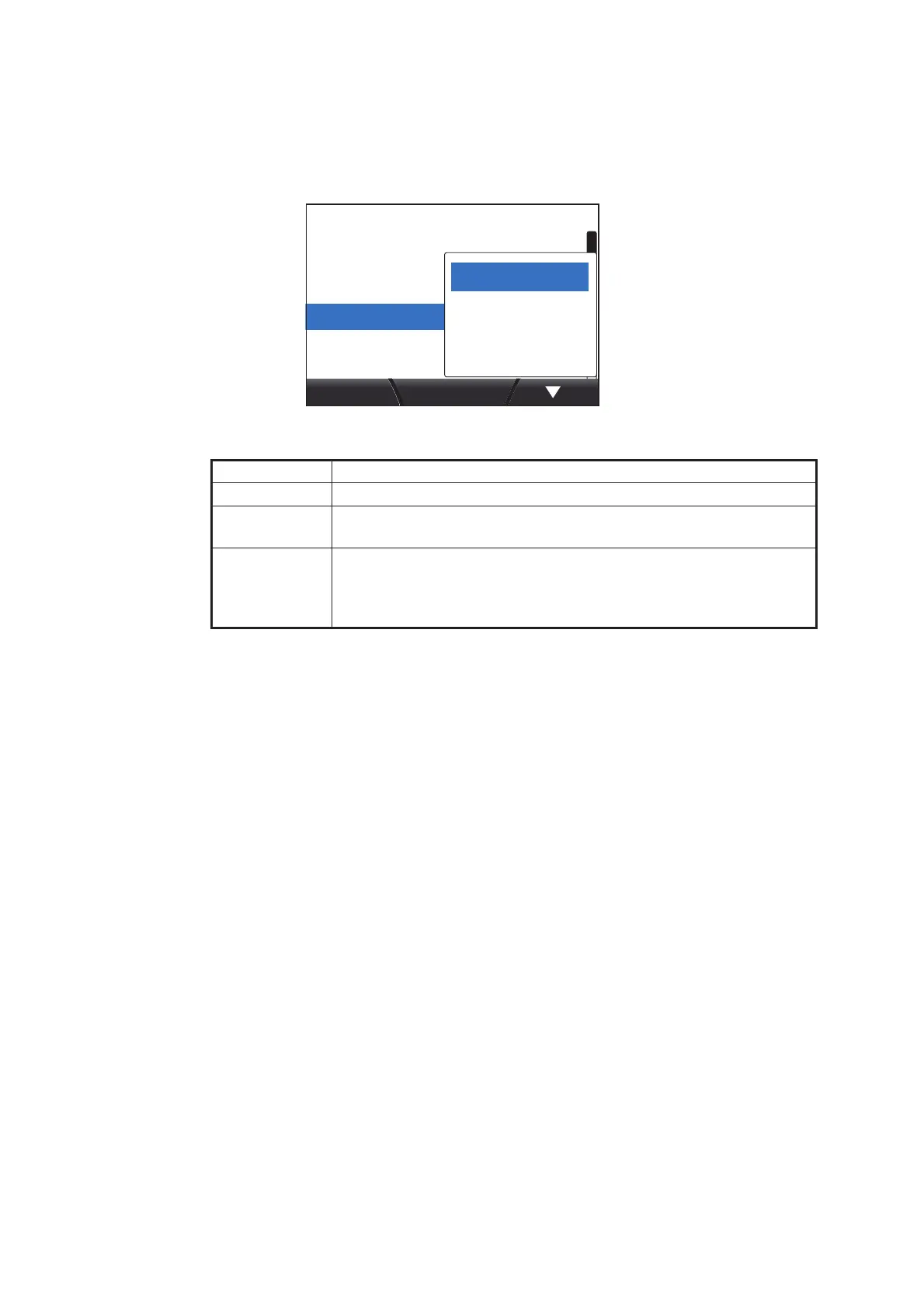
4.1.1 How to adjust the sharing level
1. Access the System menu using the procedure outlined on page 4-1.
2. Press the software keys to scroll through the menu and select [Sharing], then
press the function key.
3. Press the software keys to select [Stand Alone], [Sub] or [Master], as
appropriate, then press the function key to apply the setting.
4. Press the Menu/Back key to close the menu.
Setting Description
[Stand Alone] Disables sharing of settings.
[Sub] TZtouch2 unit (or FI-70 set as a Master unit) settings are passed
to the FI-70 unit.
[Master] This unit’s settings are passed to all sub FI-70 units. Where a
TZtouch2 unit is in the same network, the TZtouch2 unit is
automatically assigned as the [Master] and this option is not avail-
able.
Key Beep: OFF
8Panel Dimmer:
Stand AloneSharing:
AGroup:
System


 To Next Page
 Loading...