2
Overview
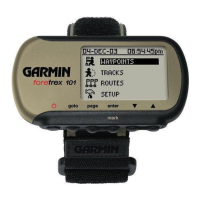
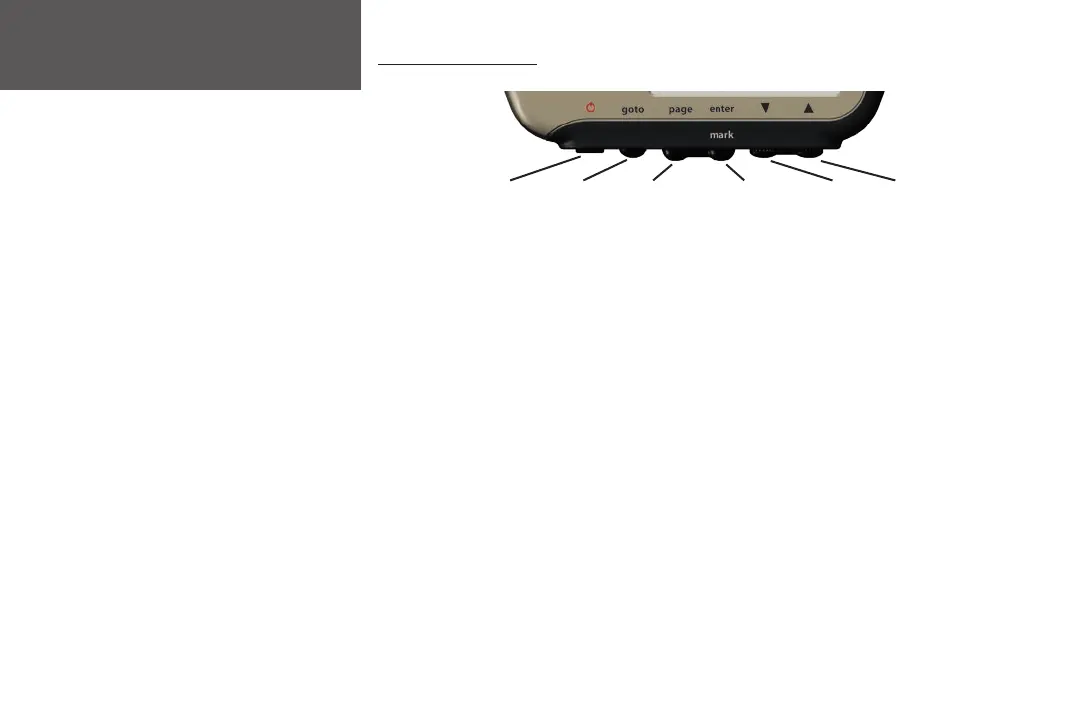
Using the Buttons
ENTER/
MARK
UPDOWNPAGEGOTOPOWER
The POWER button:
• Press and hold to turn unit on and off
• Press and release to turn display backlight on and off
The GOTO button:
• Press to initiate a Goto (navigate to a specific destination/waypoint)
The PAGE button:
• Press to switch between the Main Pages
• Press to back out or escape out of the present page or screen, or
• Press to ‘undo’ the most recent action on a page
The ENTER/MARK button:
• Press to confirm data entry or menu selection
• Press and hold to mark a waypoint
The UP/DOWN buttons:
• Highlight options on pages and menus
• Adjust display contrast on the Satellite Page
• Zoom out (UP) and in (DOWN) on Map Page
Getting Started


 To Next Page
 Loading...