Garmin G5 User's Manual
190-02072-00 Rev. B
136
Pilot's Guide
Installation ManualPilot's GuideIndex
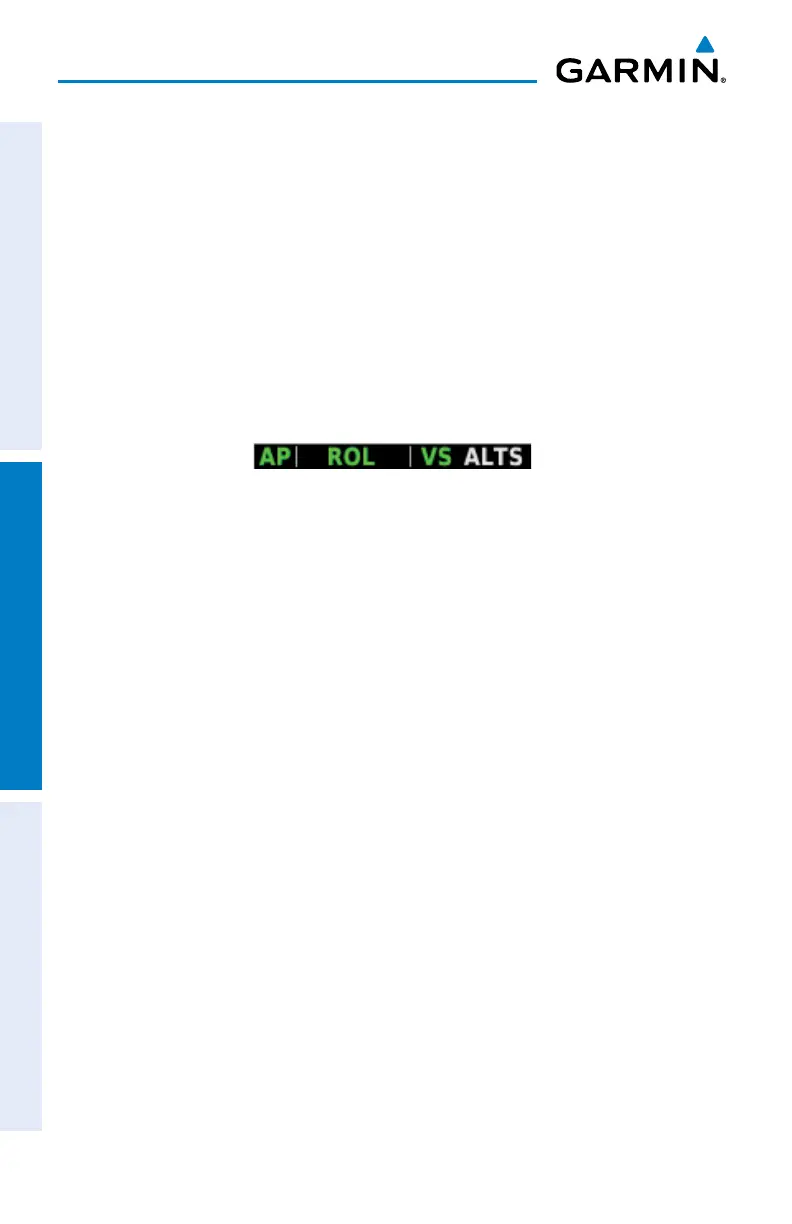
SELECTED ALTITUDE CAPTURE MODE (ALTS)
Selected Altitude Capture Mode is automatically armed with activation of the
following modes:
•PitchHold
•VerticalSpeed
•IndicatedAirspeed
•TO/GoAround
•VerticalPathTracking
The white ‘ALTS’ annunciation indicates Selected Altitude Capture Mode is armed.
As the aircraft nears the Selected Altitude, the flight director automatically transitions
to Selected Altitude Capture Mode with Altitude Hold Mode armed. This automatic
transition is indicated by the green ‘ALTS’ annunciation flashing for up to 10 seconds
and the appearance of the white ‘ALTS’ annunciation.
At 50 feet from the Selected Altitude, the flight director automatically transitions
from Selected Altitude Capture to Altitude Hold Mode and holds the reference altitude.
As Altitude Hold Mode becomes active, the white ‘ALTS’ annunciation moves to the
active vertical mode field and flashes green for 10 seconds to indicate the automatic
transition.
Setting the selected altitude:
Use the ALT SEL Knob on the GMC 307 to adjust the selected altitude.
O
r
1)
Press the Knob to display the Menu.
2)
Select Altitude and use the Knob to change the Selected Altitude.
Syncing to the current altitude:
Press the Knob on the GMC 307.
O
r
1)
Press the Knob to display the Menu.


 To Next Page
 Loading...












