33
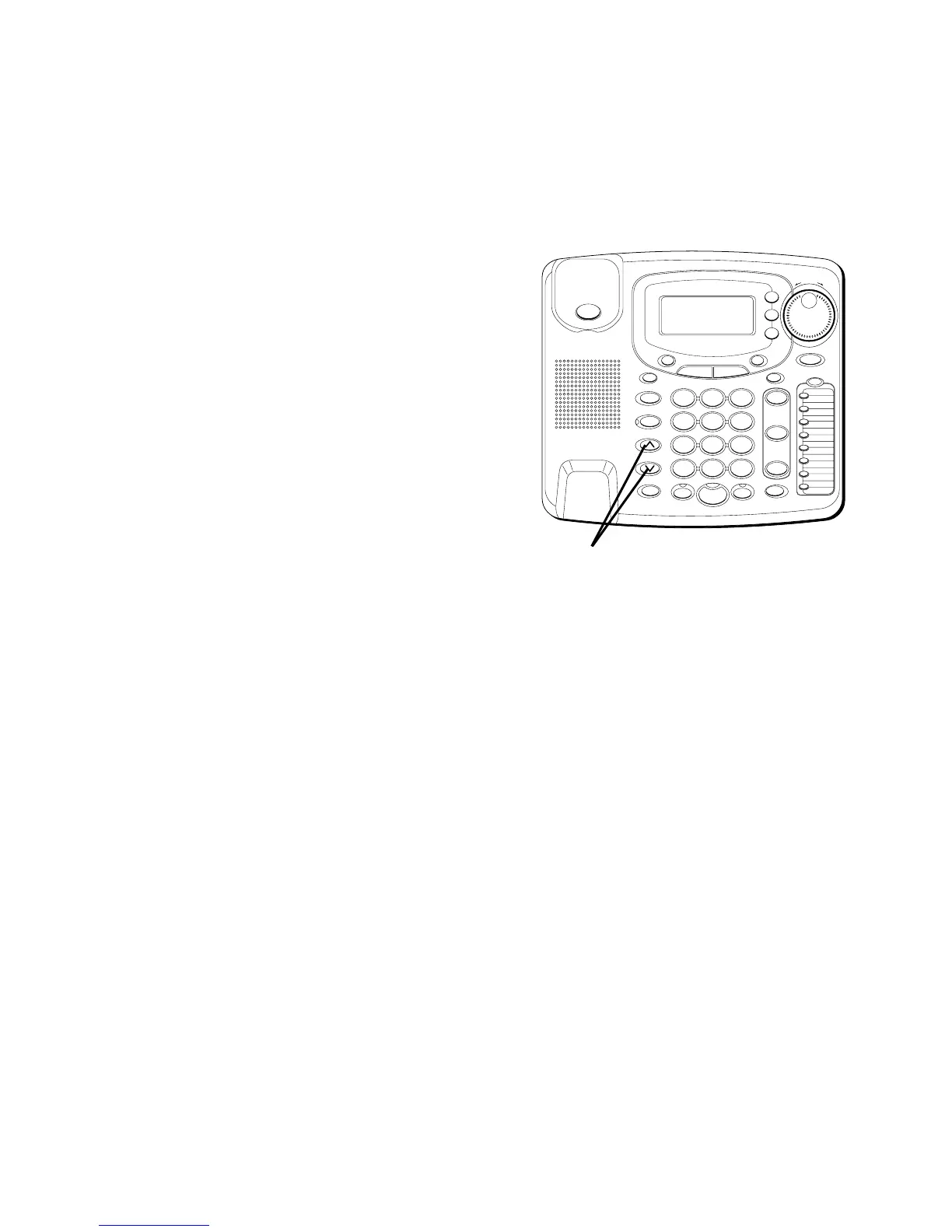
VOLUME
The ringer, speaker, and handset/headset
volumes can be set independently with
the VOLUME up and down buttons. Your
telephone comes with preset settings
which can be adjusted to individual
taste. To return to the preset settings,
press both the up and down buttons
simultaneously.
RINGER VOLUME
1. While the phone is on the hook, press
the VOLUME up or down button. The
phone rings with the current setting.
2. While holding the up or down button,
the ringer volume sounds the current
setting. Release when you’ve reached
the desired volume level. Tapping
either button, while the phone is
ringing, allows you to adjust the
volume one step at a time. The phone
stores the setting once the button is
released.
#
OPER
0
TONE
WXYZ
9
TUV
8
PQRS
7
MNO
6
JKL
5
GHI
4
DEF
3
ABC
21
STORE
LOWER
DIAL
CALLER ID
CLEAR
EXIT
SELECT
VOICE MAIL
CONFER
LINE
2
LINE
1
HOLD
MUTEHEADSETFLASH
VOLUME
BUSY REDIAL
REDIAL
PAUSE
MENU DIRECTORY
8
7
6
5
4
3
2
1
S
H
U
T
T
L
E
SPEAKER
*
VOLUME buttons



 To Next Page
 Loading...






