EasyManua.ls Logo

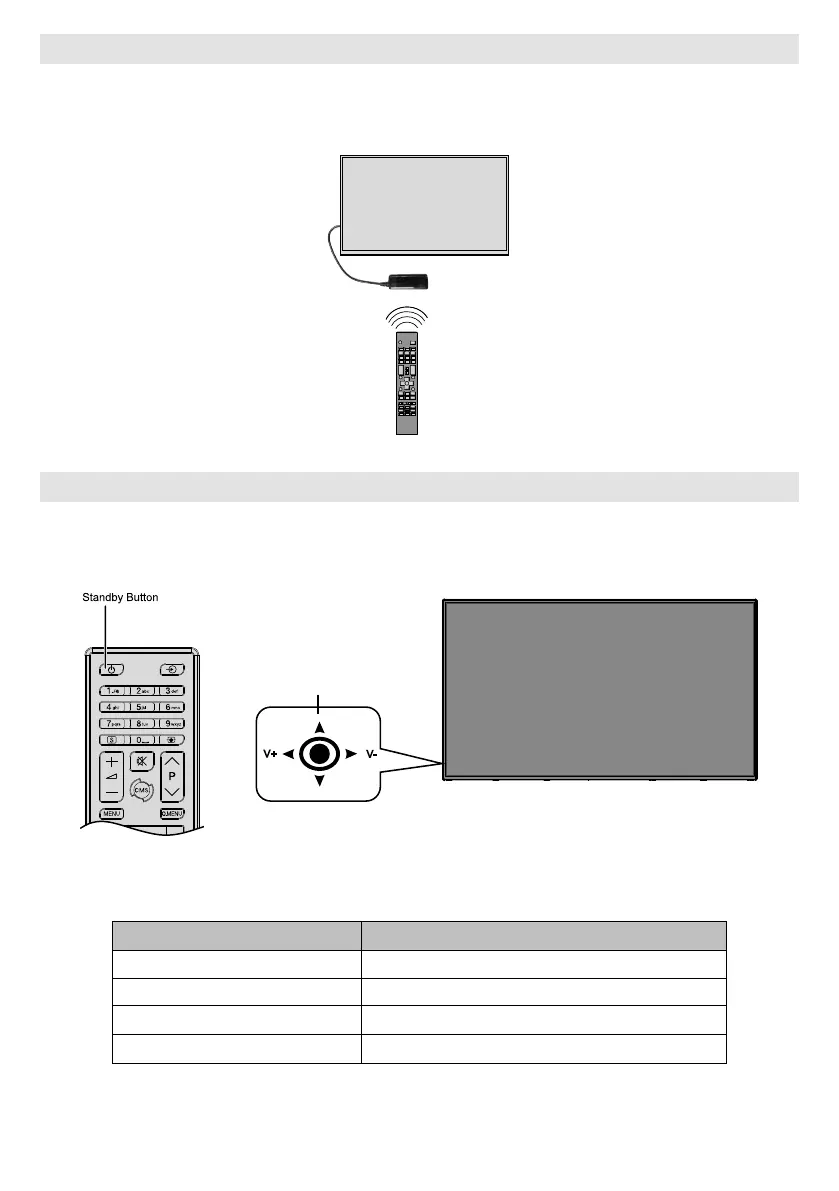
Hitachi UHD8610PC - Connecting the IR (Infrared Receiver); Turning the Display On;Off

Hitachi UHD8610PC
43 pages
To Next Page IconTo Next Page
To Previous Page IconTo Previous Page
Loading...
English - 8 -




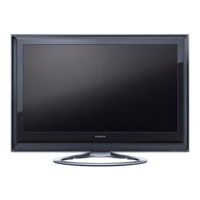
Turning the Display On/Off
Press the Standby button on the remote or by pressing and holding the joystick on rear left of the Display to
switch it on from standby or to switch it into standby mode.
V+
V-
Joyst�ck
LED Status Status of the monitor
Power LED not lit Power on
Power LED lit Power off (Standby mode)
 Scheduler active
 Power up/down and software update

Related product manuals