


 To Next PageTo Next Page
 Need help?
Do you have a question about the HP Compaq dc5700 MT and is the answer not in the manual?
Procedure for installing optional hardware devices and obtaining support software.
Diagnostic tests that run automatically when the system is turned on.
Overview of Computer Setup (F10) utilities for changing settings and configuration.
Utility for viewing hardware configuration and performing diagnostic tests.
Key capabilities for managing and controlling desktops and workstations.
Tools for managing and updating software on desktops, workstations, and notebooks.
Steps to prepare the computer for disassembly, including safety precautions.
List of screen messages, probable causes, and recommended actions for POST errors.
Diagnostic codes indicated by front panel LEDs and audible beeps.
Troubleshooting steps for common minor problems like system lockups or no sound.
Solutions for common hard drive issues such as errors or slow response.
Troubleshooting steps for display issues like blank screens or blurry video.
Troubleshooting steps for memory-related issues like boot failures or errors.
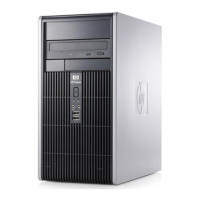
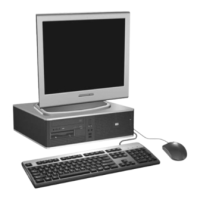
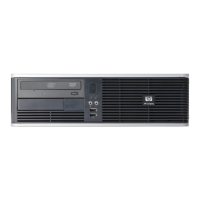





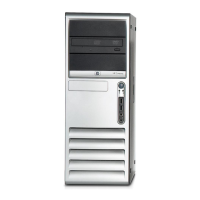



 General