EasyManua.ls Logo

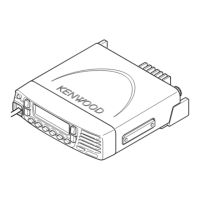
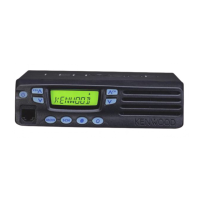
Kenwood TK-7360 - Getting Acquainted; Front Panel Overview

Kenwood TK-7360
24 pages
Print Icon
To Next Page IconTo Next Page
To Previous Page IconTo Previous Page
Loading...
3
GETTING AC
Q
UAINTED
F
R
O
N
T
P
A
NEL
(
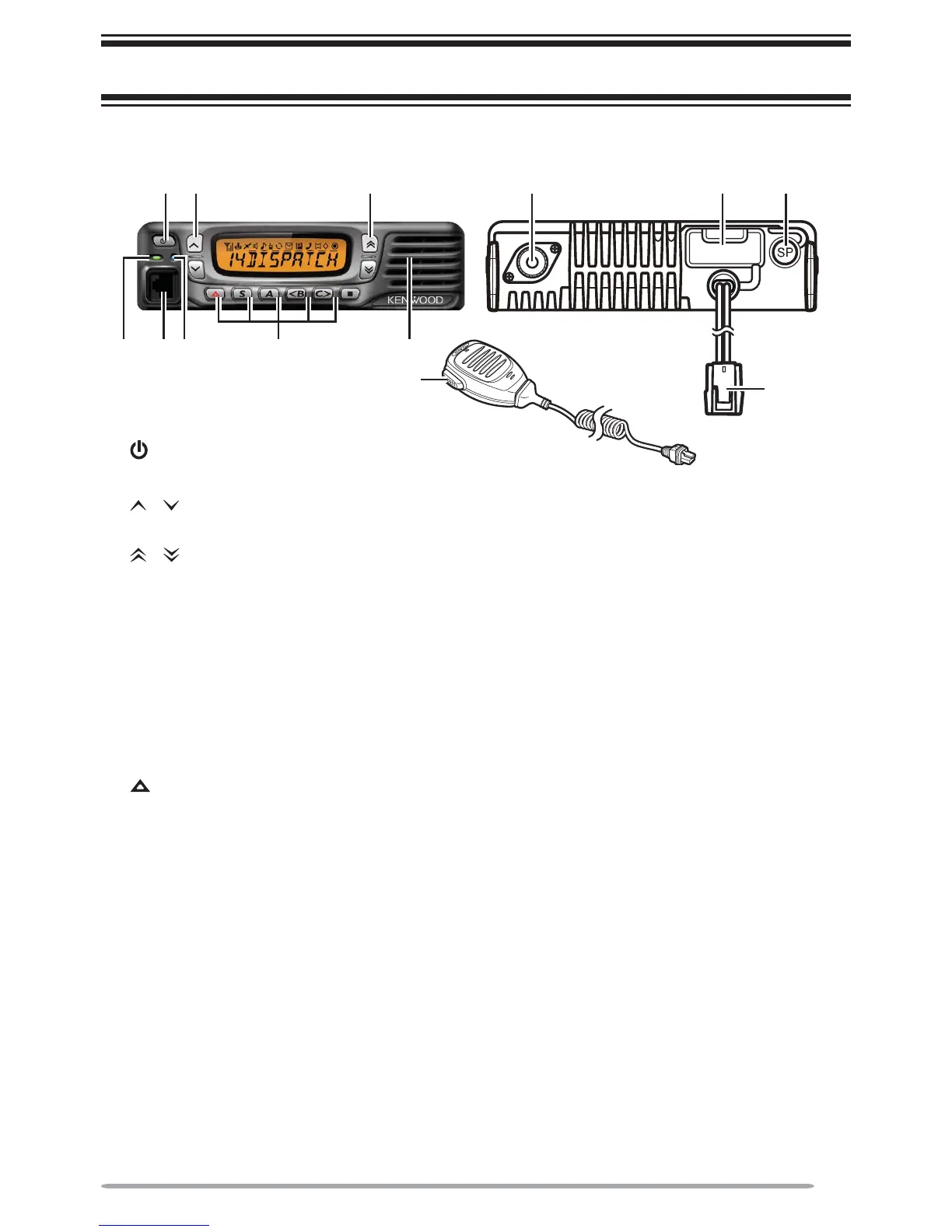
Power
)
switch
ress to switch the transceiver ON or OFF.
/
k
e
ys
P
ress to activate their pro
g
rammable functions
{
pa
g
e 5
}
.
/ keys
P
ress to activate their programmable functions
{
page 5
}
.
TX
/
RX Indi
c
at
o
r
L
ig
h
ts re
d
w
h
ile transmitting an
d
green w
h
ile receiving a signal. Flas
h
es
oran
g
e w
h
en receivin
g
an optional si
g
nalin
g
call.
Microphone jack
Insert the microphone plug into this jack.
S
tatu
s
Indi
c
at
o
r
/
LJKWVGXULQJDVSHFL
À
HGPRGHEDVHGRQGHDOHUSURJUDPPLQJ
/ S / A / <B /
C
> /
Q
k
eys
P
ress to activate their programmable functions
{
page 5
}
.
Sp
eaker
I
nterna
l
spea
k
er.
P
TT switc
h
P
ress t
h
is switc
h
, t
h
en speak into t
h
e microp
h
one to call a station
.
A
ntenna connecto
r
Connect the antenna to thi
s
connector.
ACC
connector
C
onnect the A
CC
to this connector, via the K
C
T-60
.
External speaker jack
Connect an external speaker to this
j
ack
.
P
ower
i
n
p
ut connector
C
onnect the D
C
Power
C
able to this connector.
;
=B >
2
8

ACC.



:
@
.

Other manuals for Kenwood TK-7360

Related product manuals