1Comboaudiojack3Opticaldrive
2USBconnectors
4acpowerconnector
1Comboaudiojack
Tolistentothesoundfromyourcomputer,connectaheadphoneoraheadsetthathasa3.5mm4-pole
plugtothecomboaudiojack.
2USBconnectors
ConnectdevicescompatiblewithaUSBinterface,suchasaUSBprinteroradigitalcamera.Formore
information,referto“UsingUSBconnectors”onpage19
.
Note:TheUSBconnectorsarecompatiblewithUSB1.1and2.0.
3Opticaldrive
Theopticaldrivereadsopticaldiscs.
4acpowerconnector
Theacpoweradaptercableconnectstothecomputeracpowerconnectortoprovidepowertothe
computerandchargethebattery.Formoreinformation,referto“Usingtheacpoweradapterandthe
batterypack”onpage11
.
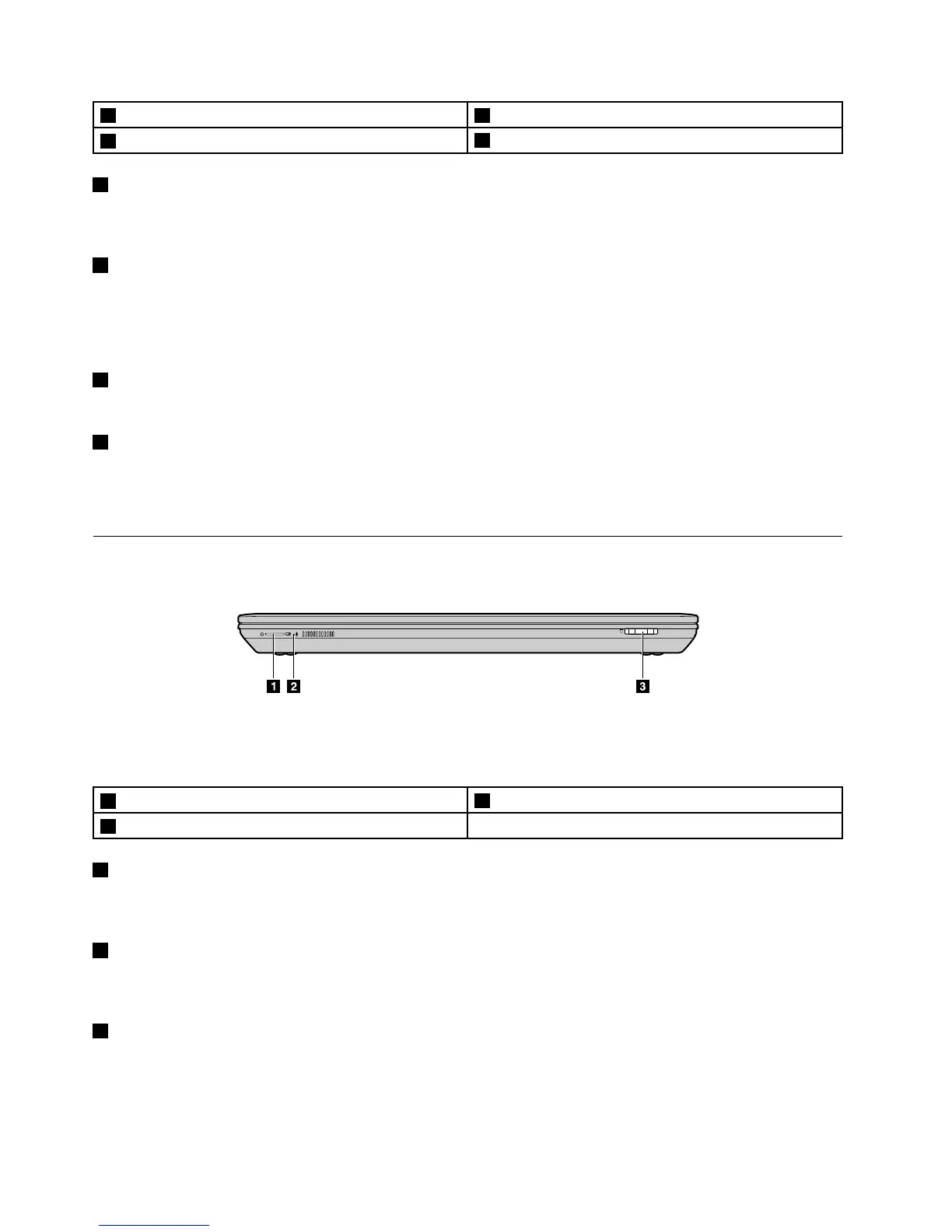
Frontview
Figure4.Frontview
Note:Yourcomputermightlookdifferentfromtheaboveillustration.
1Statusindicators
3Mediacardreaderslot
2Built-inmicrophone
1Statusindicators
Thestatusindicatorsshowthecurrentstatusofyourcomputer.Formoreinformation,referto“Status
indicators”onpage5
.
2Built-inmicrophone
Thebuilt-inmicrophonecapturessoundandvoicewhenitisusedwithanapplicationprogramcapable
ofhandlingaudio.
3Mediacardreaderslot
Formoreinformation,referto“Usingthemediacardreader”onpage18.
4UserGuide


 To Next Page
 Loading...








