Note:Yourcomputermightlookdifferentfromtheaboveillustration.
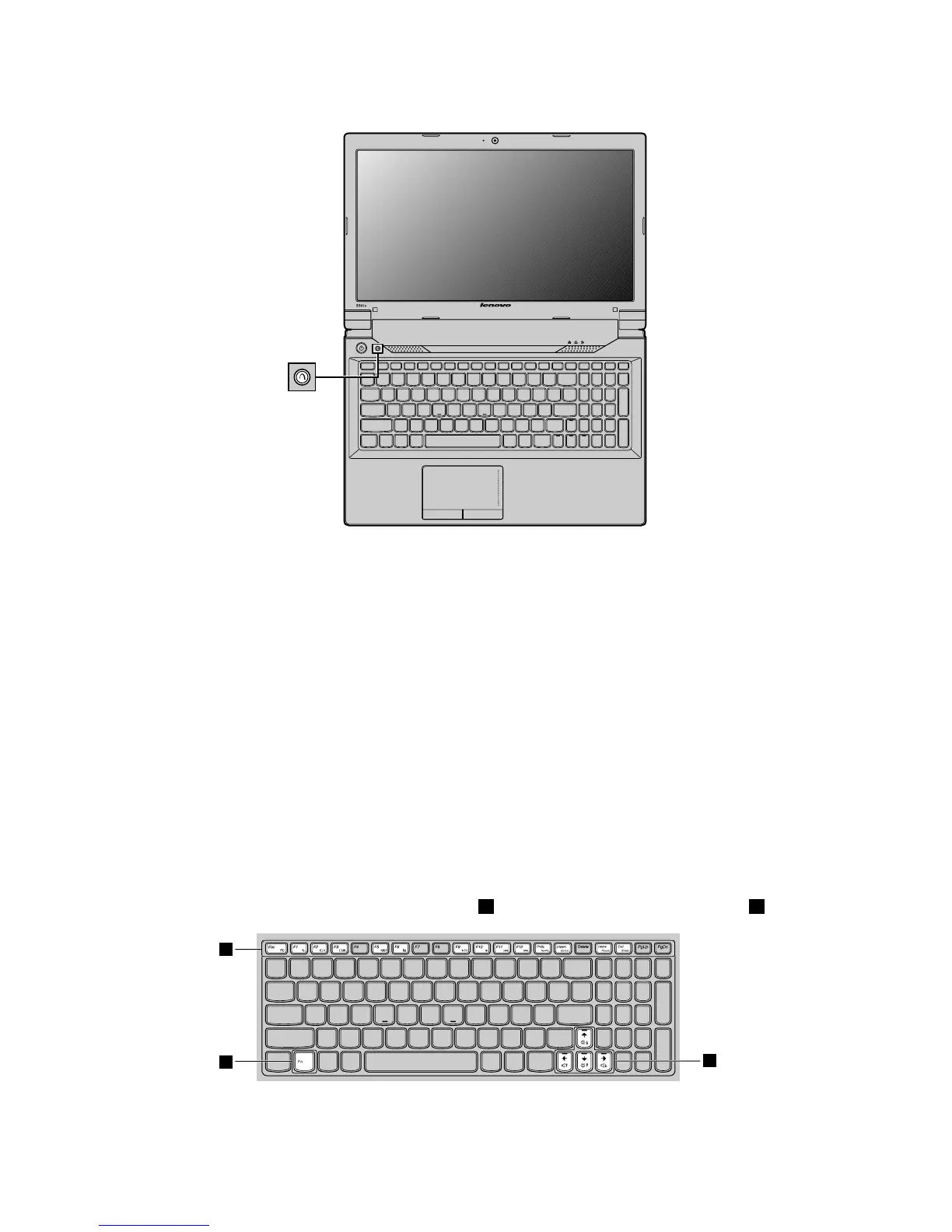
Therecoverybuttonenablesyoutolaunchtherecoveryprogramspreinstalledonyourcomputer.
•FortheWindows7operatingsystem:
–Whenthecomputeristurnedoff,pressthisbuttonandthenfollowtheon-screeninstructionsto
launchtheProductRecoveryprogram.
–WhenthecomputerisstartingupandtheLenovologoisdisplayed,pressthisbuttonandthenfollow
theon-screeninstructionstostarttheProductRecoveryprogram.
–AfteryouhaveenteredtheWindowsoperatingsystem,pressthisbuttontolaunchtheLenovoSolution
Centerprogram.
•FortheWindows8operatingsystem:AfteryouhaveenteredtheWindowsoperatingsystem,pressthis
buttontolaunchtheLenovoSolutionCenterprogram.
Formoreinformation,refertoChapter6“Recoveryoverview”onpage29
.
Functionkeycombinations
Tousethefunctionkeycombinations,presstheFnkey1,thenpressoneofthefunctionkeys2.


 To Next Page
 Loading...








