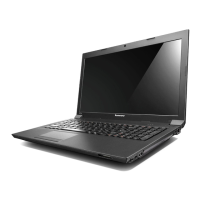
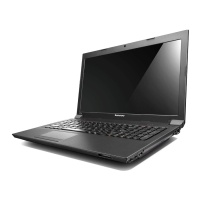
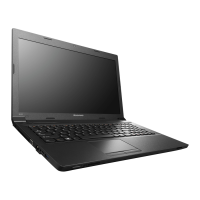
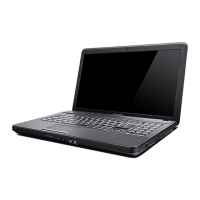
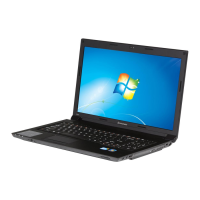
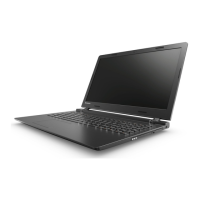
Chapter 1. Getting to know your computer
5
Front view - - - - - - - - - - - - - - - - - - - - - - - - - - - - - - - - - - - - - - - - - - - - - - - - - - - - - - - - - - - - - - - - - - - - - - - - - - - - - - - - - - - - - - - - - - - - - - - - - - - - - - - - - - - - - - - - - - - - - - -
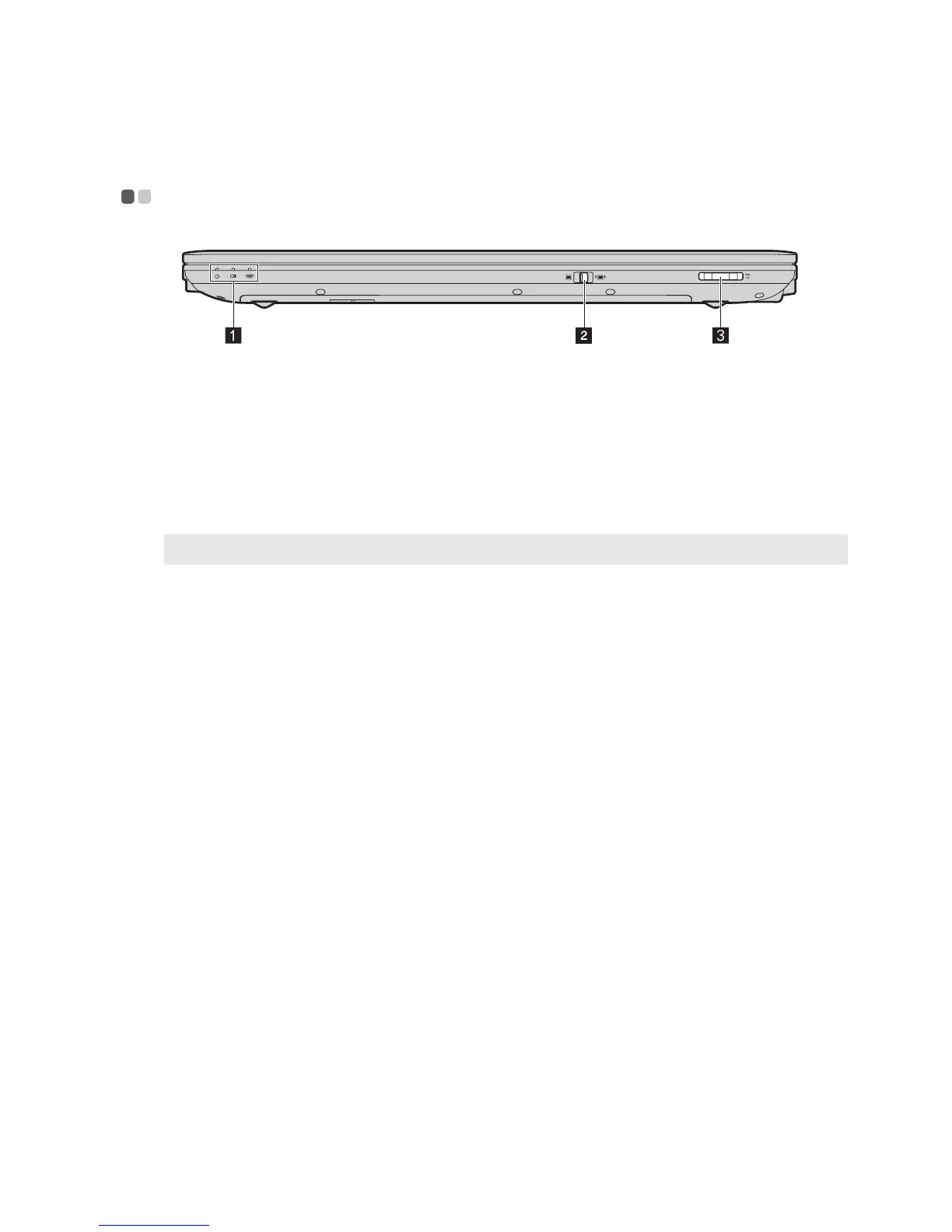
System status
indicators
For details, see “System status indicators” on page 16.
Integrated wireless
device switch (Select
models only)
Use this switch to turn on/off the wireless radio of all wireless devices on
your computer.
Memory card slot
Insert memory cards (not supplied) here.
Note: For details, see “Using memory cards (not supplied)” on page 13.
a
b
c


 To Next Page
 Loading...