14
You can store up to 10 of your favourite stations as presets on both the DAB and FM bands.
This will enable you to access your favourite stations quickly and easily.
Saving Preset Stations
1. Tune to the station you want to save.
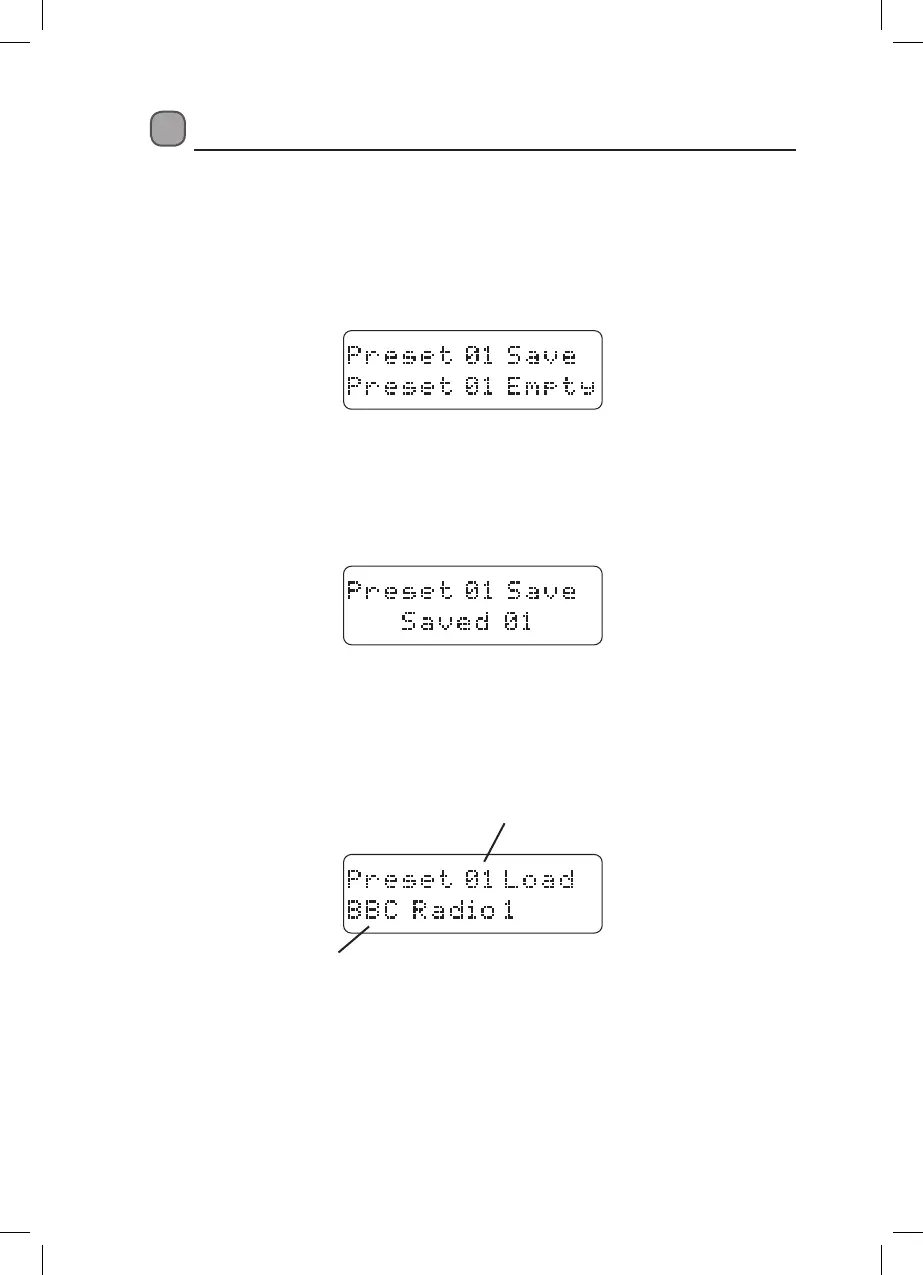
2. Press and hold PRESET until the ‘Preset Save/Empty’ screen appears, then release the
PRESET button.
1. Press } or { to choose a preset location to store the station. The display will show if a
preset number has already been set.
2. Press SELECT/SNOOZE to conrm.
The display will conrm that the preset is stored.
• Re-tune to more of your favourite stations and follow the steps above to store up to 10
presets on each band.
Recalling a Preset Station
• Press PRESET.
The last preset station and preset number played will be shown on the bottom line of the
display.
if you want to choose a dierent preset station to play.
• Press } or { to choose a dierent preset. If a preset position has not been set the word
‘Empty’ will be displayed.
• Press SELECT/SNOOZE (within 3-4 seconds) when the preset station you want to play is
displayed.
The preset station will be played.
DAB and FM Station Presets
Preset station name
Preset number
LDABXRW13_IB_V6.indd 14 26/06/2014 17:29


 To Next Page
 Loading...