Configuring Drives (Dual Drive Units Only) 90
Maxtor Central Axis Admin User Guide
Configuring the New Drive
After you’ve replaced the failed drive and restarted your Central Axis, you must configure
the new drive. How the failed drive was formatted determines which Drive Configuration
page is displayed now.
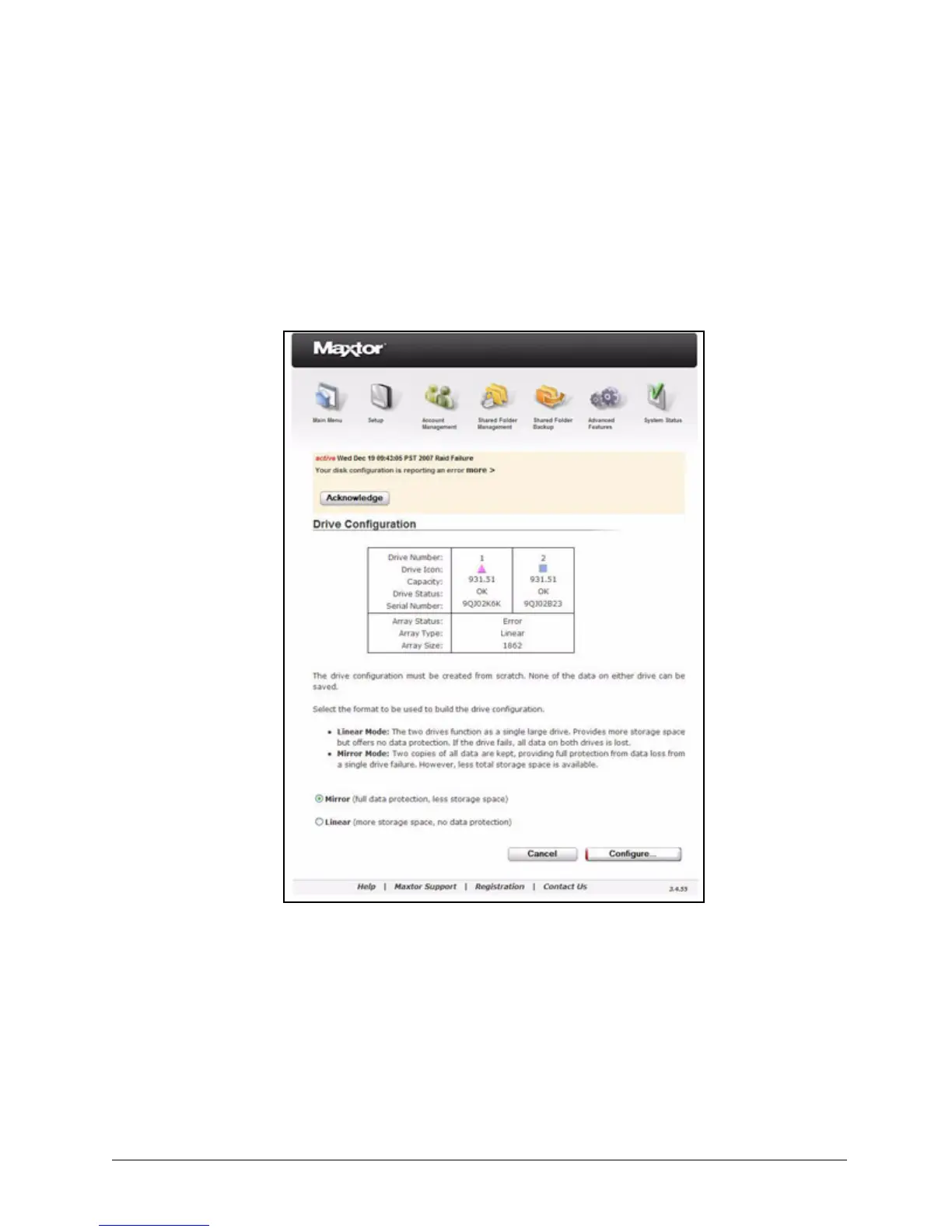
• If the failed drive was in linear mode, the Drive Configuration page indicates that
all data has been lost and your drive must be created from scratch:
• If the failed drive was in mirror mode, the Drive Configuration page indicates that
your data has been saved on the remaining drive and must be synchronized to the
new drive:
Figure 139: Drive Configuration - Linear


 To Next Page
 Loading...

