CHAPTER 8: LYON RMS MODULE
50
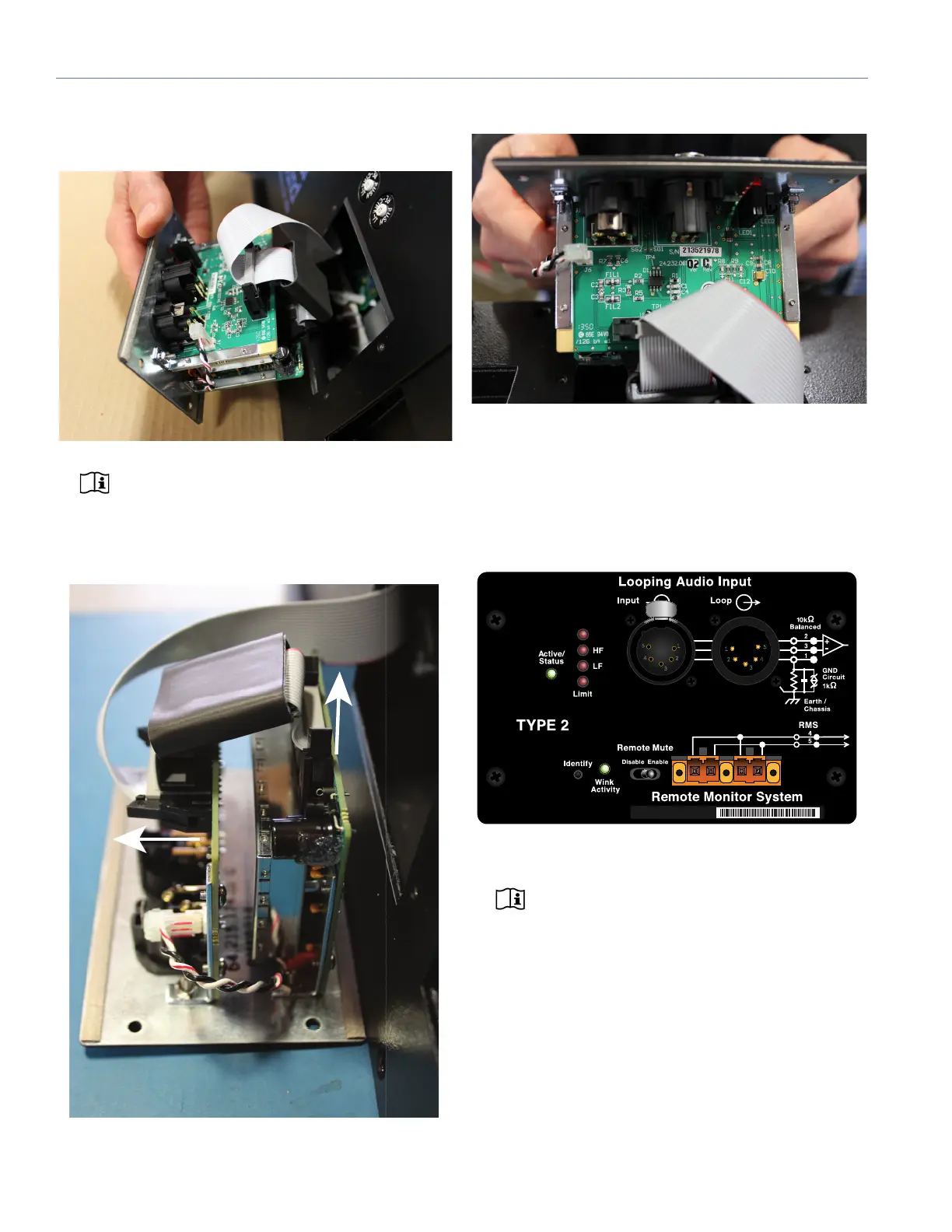
4. Remove the panel completely from the amplifier assem-
bly (there should be enough room to reach the flat cable
that connects the module to the digital control card.)
NOTE: Make sure to hold the LYON RMS mod-
ule by its edges. Avoid touching any of the
components on the module.
5. Remove the flat cable from each circuit board connector
on the LYON RMS 4.1 module.
6. Install the new LYON RMS 4.1 module....
LYON RMS USER PANEL
The LYON RMS user panel includes an Identify button,
Wink/Activity LED, Remote Mute switch, and two Network
connectors.
NOTE: The button and LED on the LYON RMS
user panel are used exclusively by Compass
RMS and have no effect on the acoustical or electri-
cal activity of the loudspeaker.
Figure 1: LYON RMS module user panel


 To Next Page
 Loading...