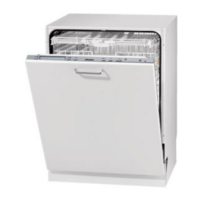
Guide to the appliance
7
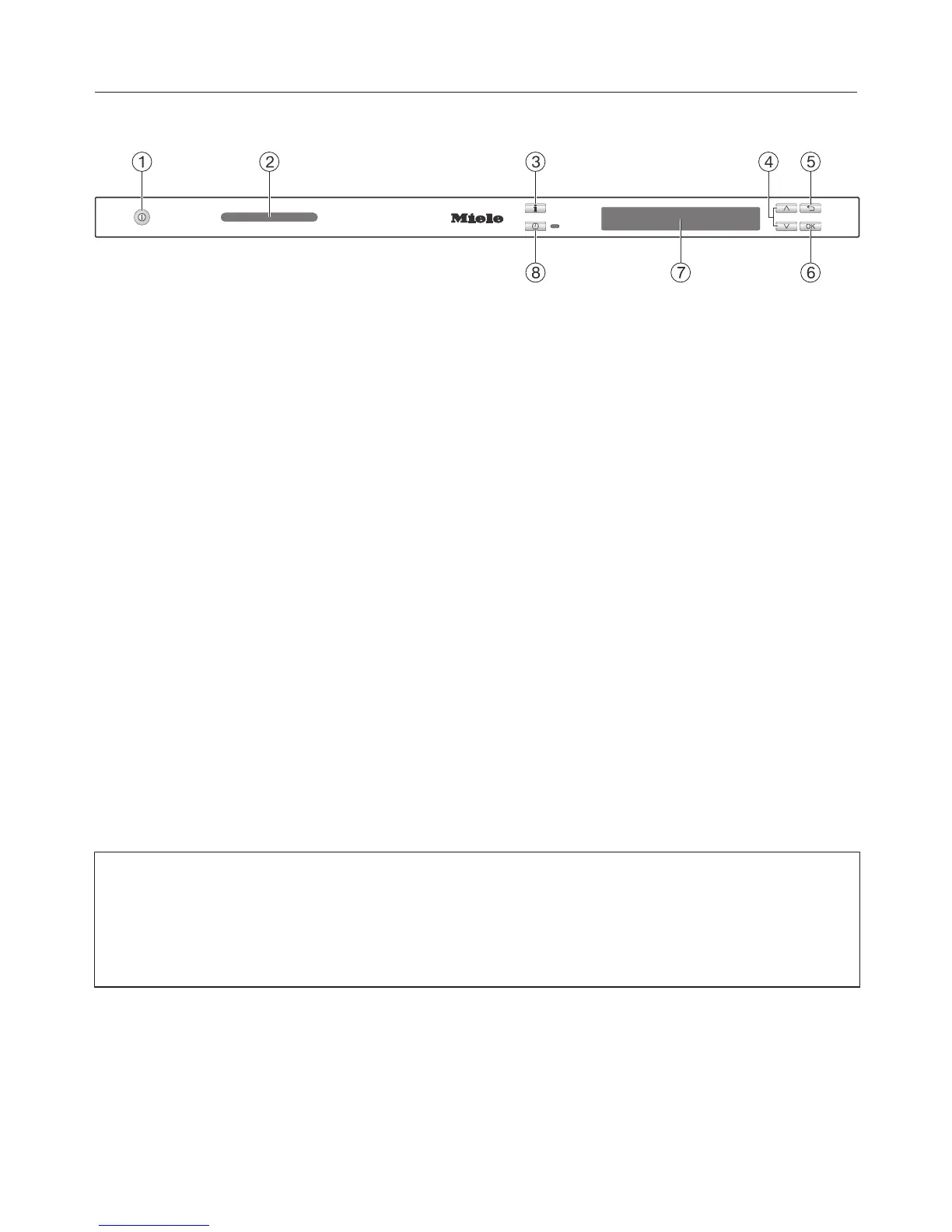
Control panel
a
On/Off button
For switching the dishwasher on and
off.
b
TimeControl in-operation indicator
lights
For displaying programme time re-
maining with the door shut.
c
Information button
For displaying additional information
about the option in the display.
d
Arrow buttons
For selecting programmes.
For altering values shown in the dis-
play.
For navigating between different
menus.
e
Back button
For navigating back to the previous
menu or deleting values which have
been set previously.
f
OK sensor
For selecting the option shown in the
display.
For confirming messages.
g
Display
See next page for more information.
h
Delay start sensor with indic-
ator light
For selecting the "Delay start" func-
tion.
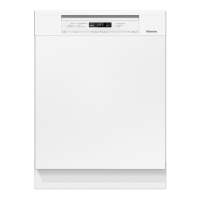
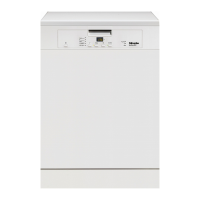
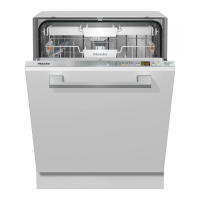
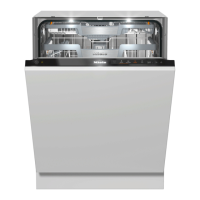
This instruction book applies to several different dishwasher models.
The specific dishwasher models are referred to as follows:
Standard = 80.5 cm high dishwashers (integrated)
and 84.5 cm high dishwashers (freestanding)
XXL = 84.5 cm high dishwashers (integrated).


 To Next Page
 Loading...