Chapter 4. Troubleshooting
PELLERIN MILNOR CORPORATION
O. Connectors M1A, M1B, and M1C: 0 volts and 12 volts
P. Connector M10: analog connections
Q. Connector M9: 0-volt reference for inputs
R. Lights: 30 outputs, O-0 through O-29
S. Lights: 24 inputs, IN-0 through IN-23
T. Integrated circuit RA17: JTAG resistor array (do not remove)
U. Component P1: Water level transceiver
V. Connector M6: inputs
— End of BICLJT01 —
BICLUT04 (Published) Book specs- Dates: 20151112 / 20151112 / 20151112 Lang: ENG01 Applic: CLJ
4.4. Out-of-Balance Detection System
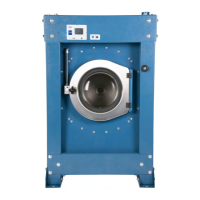
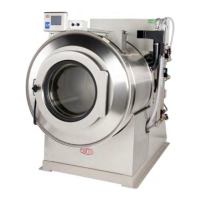
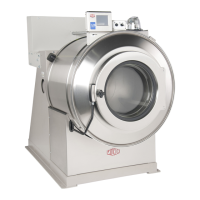
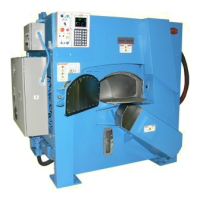
The MilTouch controller on some machine models includes software to help protect the washer-
extractor from potential damage caused by imbalanced loads.
4.4.1. Requirements
These elements are necessary for the out-of-balance detection system to work properly:
• MilTouch software build V028 or later
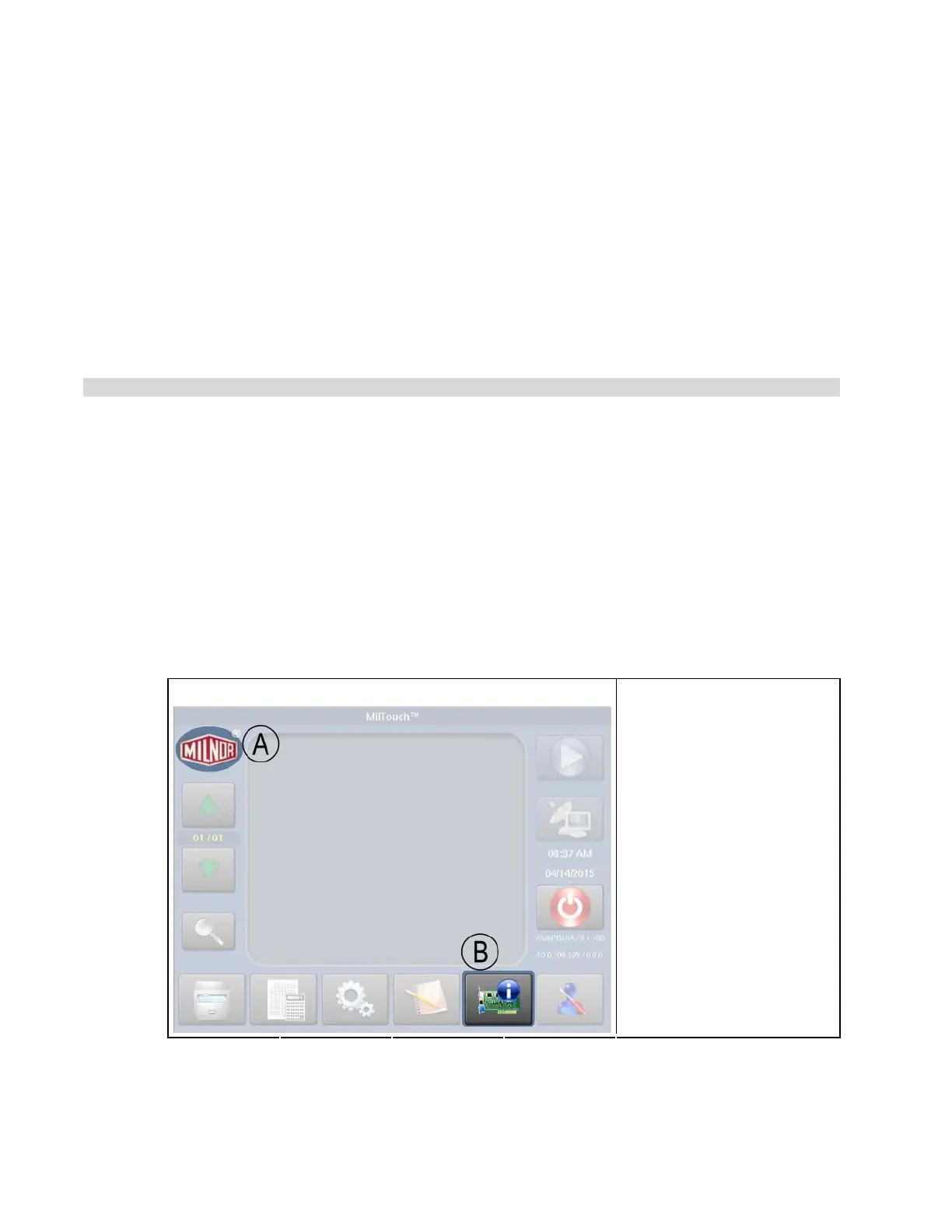
Tip: To verify the MilTouch software build, touch the Milnor logo in the upper left corner of the
home screen (see
HFigure 35H). If the home screen is not available, remove the SD card from
the side of the controller. The build number is written on the card (see
HFigure 36H).
Figure 35: MilTouch Home Screen
Screen Capture Legend
.
A. Touch here for software
build number
B. Touch here for diagnostics
screens
49


 To Next Page
 Loading...