4
3 Getting to Know the Adapter
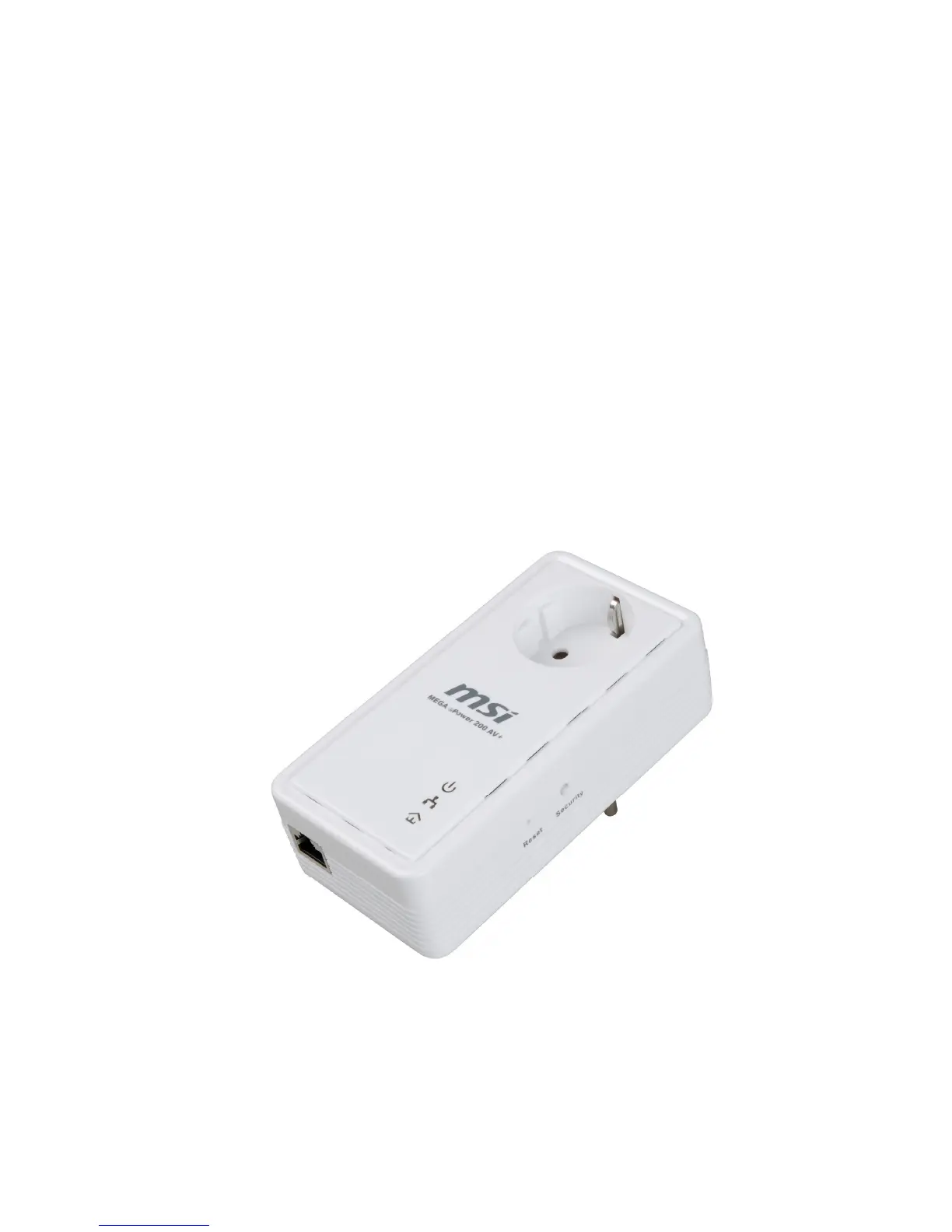
3.1 The Ethernet Interface
Ethernet : The Ethernet port connects to an Ethernet network cable. The other end of
the cable will connect to your computer or other Ethernet-enabled network device.
3.2 The Adapter's Buttons
RST: The button can restore the factory defaults and reset the device.
NMK: The button is used to set the private network name. The detail see chap 6.
3.3 The Adapter's LEDs
All Adapter's LEDs are located on the front panel, there are 3 LEDs to indicate the
adapter’s status.
Power: Green, the Power LED lights up when the Adapter is powered on.
Ethernet: Green, the Ethernet LED flashes to indicate activity over the Ethernet
connection.
Data: Green, the Data LED flashes to indicate activity over the Powerline
connection
.
Figure 3-1 Top view



 To Next Page
 Loading...


