29
Assist and Scene Modes
More on Photography
Assist and Scene Modes
Depending on your subject, assist and scene modes may not always produce the desired results. If
results are not to your satisfaction, choose P (auto) and try again.
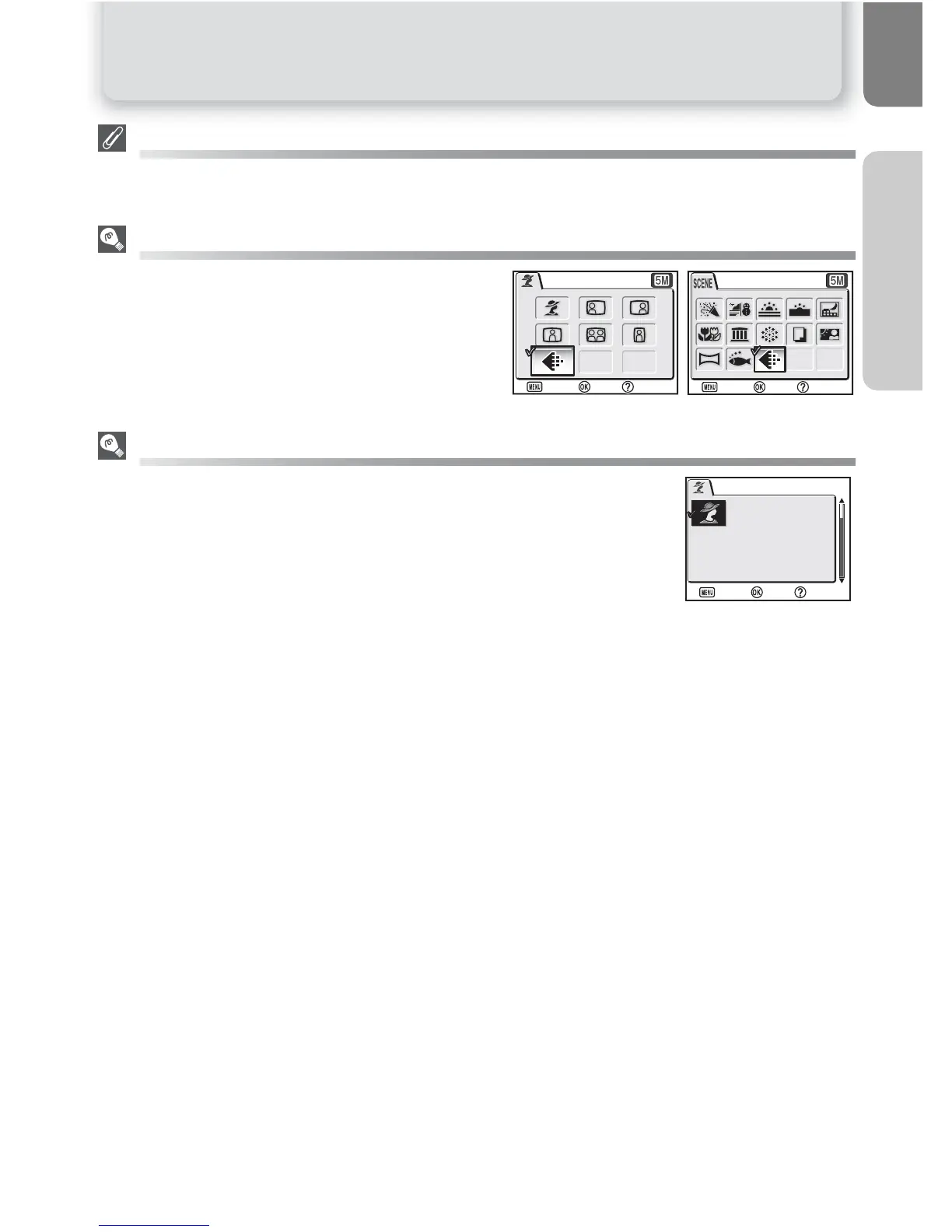
Image Mode
The Image mode option is available in the assist
mode and scene mode menu (Q 67).
Assist and Scene Modes Help
Pressing O(T) button when displaying the assist or scene menu displays
the help for the selected assist or scene.


 To Next Page
 Loading...














