115
Shooting Settings
User Settings: U1 and U2 Modes
Assign frequently-used settings to the U1 and U2 positions on
the mode dial.
❚❚
Saving User Settings
Follow the steps below to save settings:
1
Adjust settings.
Make the desired adjustments to camera settings, including:
•
photo shooting menu options (some settings excluded),
•
movie shooting menu options (some settings excluded),
•
Custom Settings, and
•
shooting mode, shutter speed (modes S and M), aperture
(modes A and M), flexible program (mode P), exposure and
flash compensation.
2
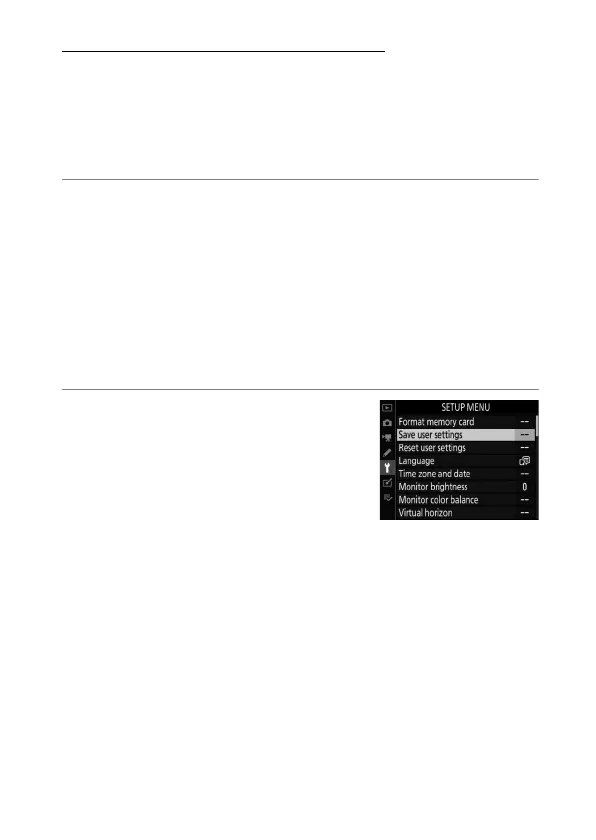
Select [Save user settings].
Press the
G
button to display the
menus. Highlight [Save user
settings] in the setup menu and
press
2
.


 To Next Page
 Loading...








