544
Menu Guide >
C
The Photo Shooting Menu
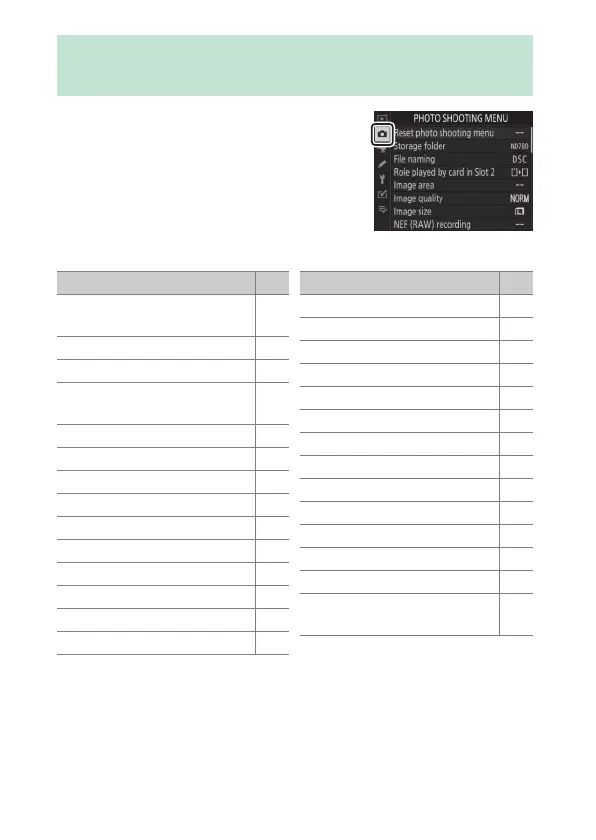
To view the photo shooting menu,
select the
C
tab in the camera menus.
The photo shooting menu contains the following items:
C
The Photo Shooting Menu: Shooting
Options
Item
0
[Reset photo shooting
menu]
545
[Storage folder] 545
[File naming] 545
[Role played by card in Slot
2]
551
[Image area] 551
[Image quality] 551
[Image size] 551
[NEF (RAW) recording] 552
[ISO sensitivity settings] 553
[White balance] 553
[Set Picture Control] 553
[Manage Picture Control] 554
[Color space] 554
[Active D-Lighting] 555
[Long exposure NR]556
[High ISO NR]557
[Vignette control]558
[Diffraction compensation]559
[Auto distortion control]560
[Flicker reduction]561
[Flash control]563
[Auto bracketing]567
[Multiple exposure]569
[HDR (high dynamic range)]569
[Interval timer shooting]569
[Time-lapse movie]570
[Focus shift shooting]570
[Silent live view
photography]
570
Item
0


 To Next Page
 Loading...








