479
Remote Flash Photography
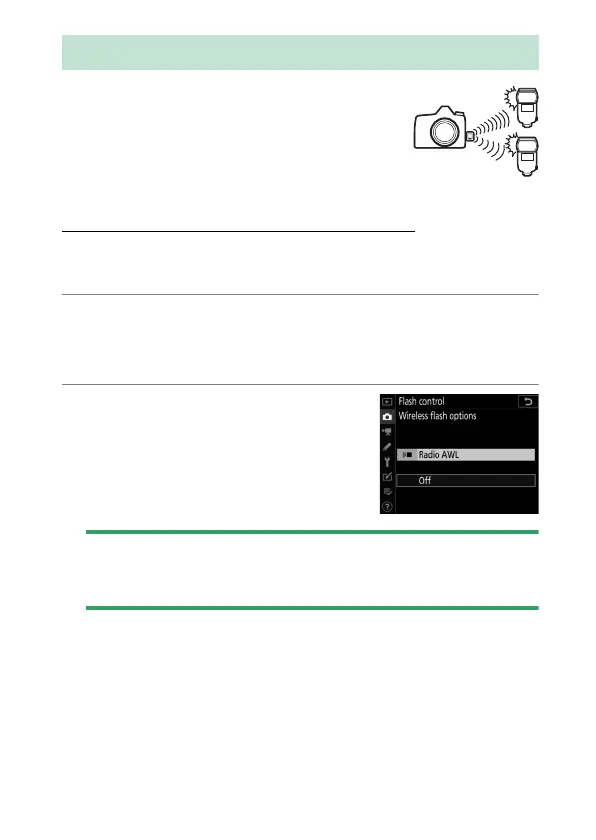
Radio AWL is available with SB-5000 flash
units. Attach a WR-R10 wireless remote
controller to the camera and establish a
wireless connection between the flash units
and the WR-R10.
Establishing a Wireless Connection
Before using radio AWL, establish a wireless connection
between the WR-R10 and the remote flash units.
1
C
: Connect the WR-R10.
For more information, see the documentation provided with
the WR-R10.
2
C
: Select [Radio AWL].
Select [Radio AWL] for [Flash
control]> [Wireless flash options]
in the photo shooting menu.
D
The WR-R10 Wireless Remote Controller
Be sure to update the WR-R10 firmware to version 3.0 or later; for
information on firmware updates, see the Nikon website for your area.
Radio AWL


 To Next Page
 Loading...








