Add shortcuts to your home screen
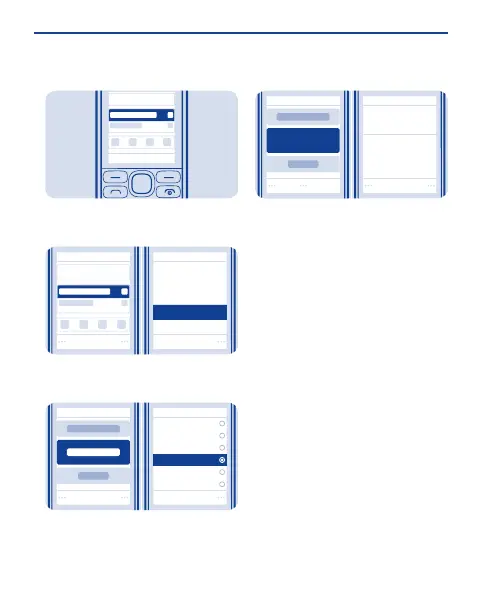
Add shortcuts to your favourite apps
to your home screen.
Select Select
Home screen sett.
Personalise view
Scroll to a shortcut, then select
Options > Personalise view.
1
Change
Shortcut bar
Select
Clock
Countdown timer
Radio and Media
General indicat.
Notifications
Select a bar, then select an item, such
as a widget.
2
Done Yes
Save changes?
Notifications
Select Done > Yes.
3
24


 To Next Page
 Loading...