Select
Writing options
Quick text
Save to Drafts
Attach
Tip: To attach a file, select Options >
Attach.
Send
Subject:
Thanks
Photo0001.jpg
Message:
Hi, how are you?
Select Send.
6
Select
Next mail
Forward
Delete
Previous mail
Reply
Tip: To reply to a mail, open the mail,
and select Options > Reply.
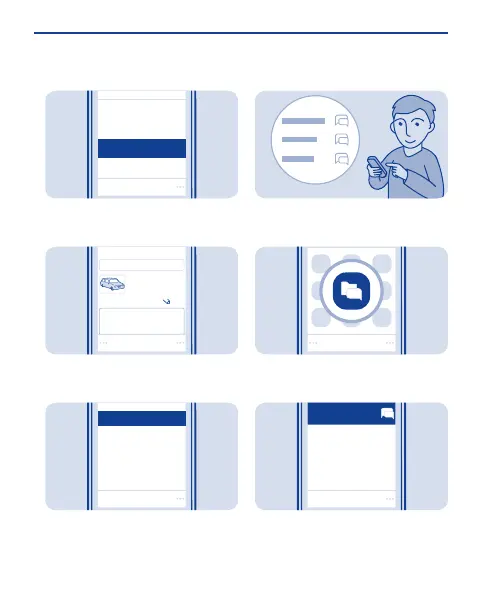
Set up chat in your phone
Set up chat to keep in touch with your
friends wherever you are.
Select Menu > Chat. If asked, select
which SIM to use.
1
Select a service, and sign in.
2
35


 To Next Page
 Loading...