Set an alarm
Use your phone as an alarm clock.
Select
Select
Alarm clock
Calculator
Games
My apps
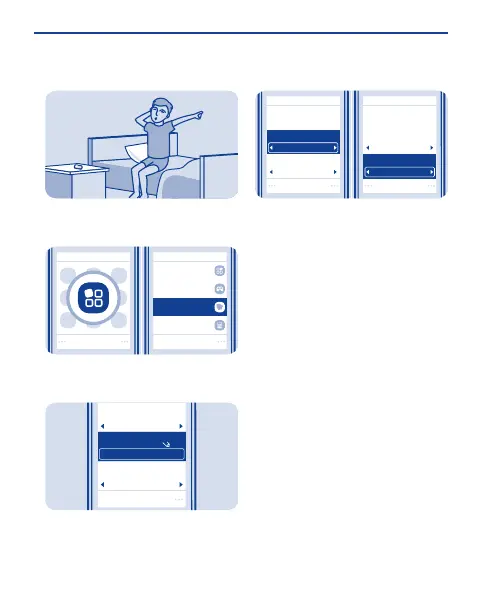
Select Menu > Applications >
Alarm clock.
1
Save
Alarm:
Repeat:
Alarm time:
HH:MM
09:00
On
On
Select Options > Add new alarm, set
the alarm time, and select Save.
2
Alarm time:
09:00
Repeat days:
Thursday
Save Save
Alarm time:
09:00
Repeat:
On
Repeat:
On
Repeat days:
Thursday
To repeat the alarm, set Repeat: to
On, and select Repeat days: and the
days and Done.
3
26


 To Next Page
 Loading...