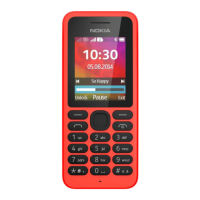
Insert a SIM card and battery
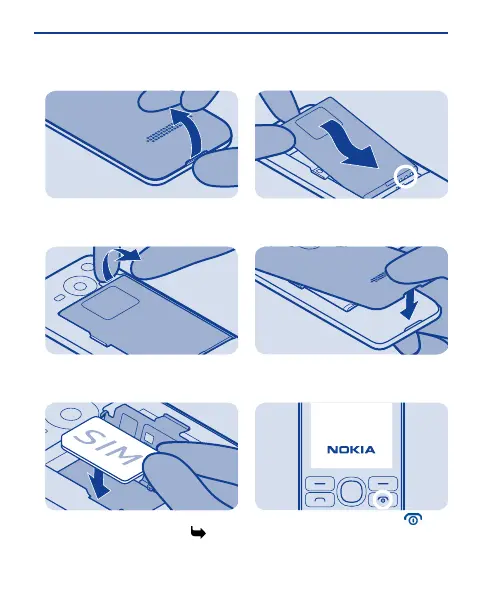
Switch the phone off, and remove the
back cover.
1
If the battery is in the phone, lift it
out.
2
Lift the SIM holder, and put the SIM in,
contact area face down.See 3.
3
Line up the battery contacts, and
push the battery in.
4
Press the back cover down until it
locks into place.
5
To switch on, press and hold until
the phone vibrates.
6
7

 To Next Page
 Loading...