48
EN
Using the LED illuminator as an
Using the LED illuminator as an
auxiliary light
d
[LED Illuminator]
Submenu 2 Application
Off Disables the LED illuminator.
On Enables the LED illuminator.
To use the LED illuminator
To use the LED illuminator
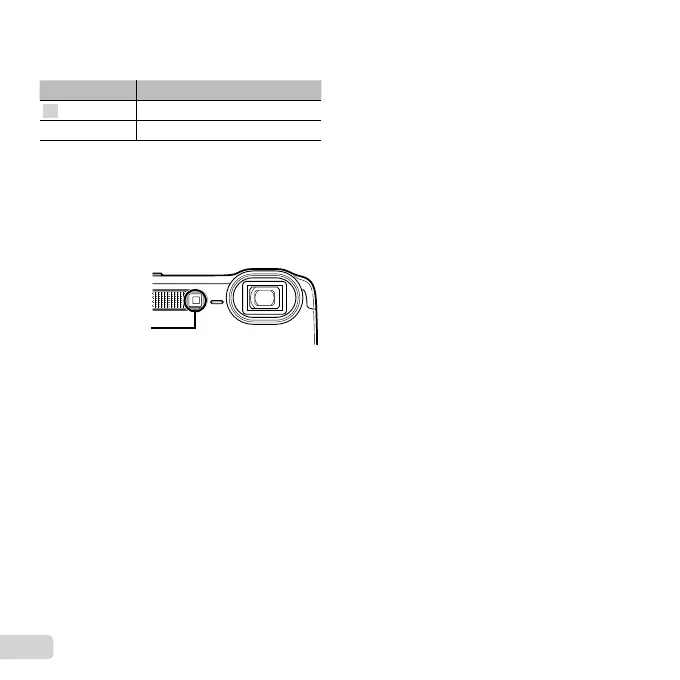
Press and hold the Y button down until the LED
illuminator lights up.
● If you perform an operation when the LED
illuminator is on, it will illuminate up to approx.
90 seconds.
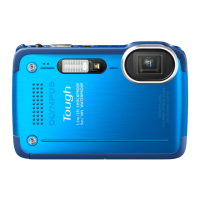
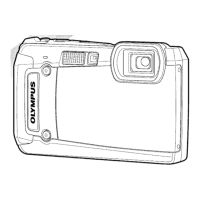
LED illuminator
● The LED illuminator turns off if no operation is
performed for approx. 30 seconds.
● Even when the camera’s power is turned off, if the
Y button is pressed until the LED illuminator lights
up, it lights for 30 seconds.
To turn the LED illuminator off
To turn the LED illuminator off
Press and hold the Y button down, until the LED
illuminator turns off.


 To Next Page
 Loading...