52
ENGLISH
Green Yellow
Rinse Phase
15
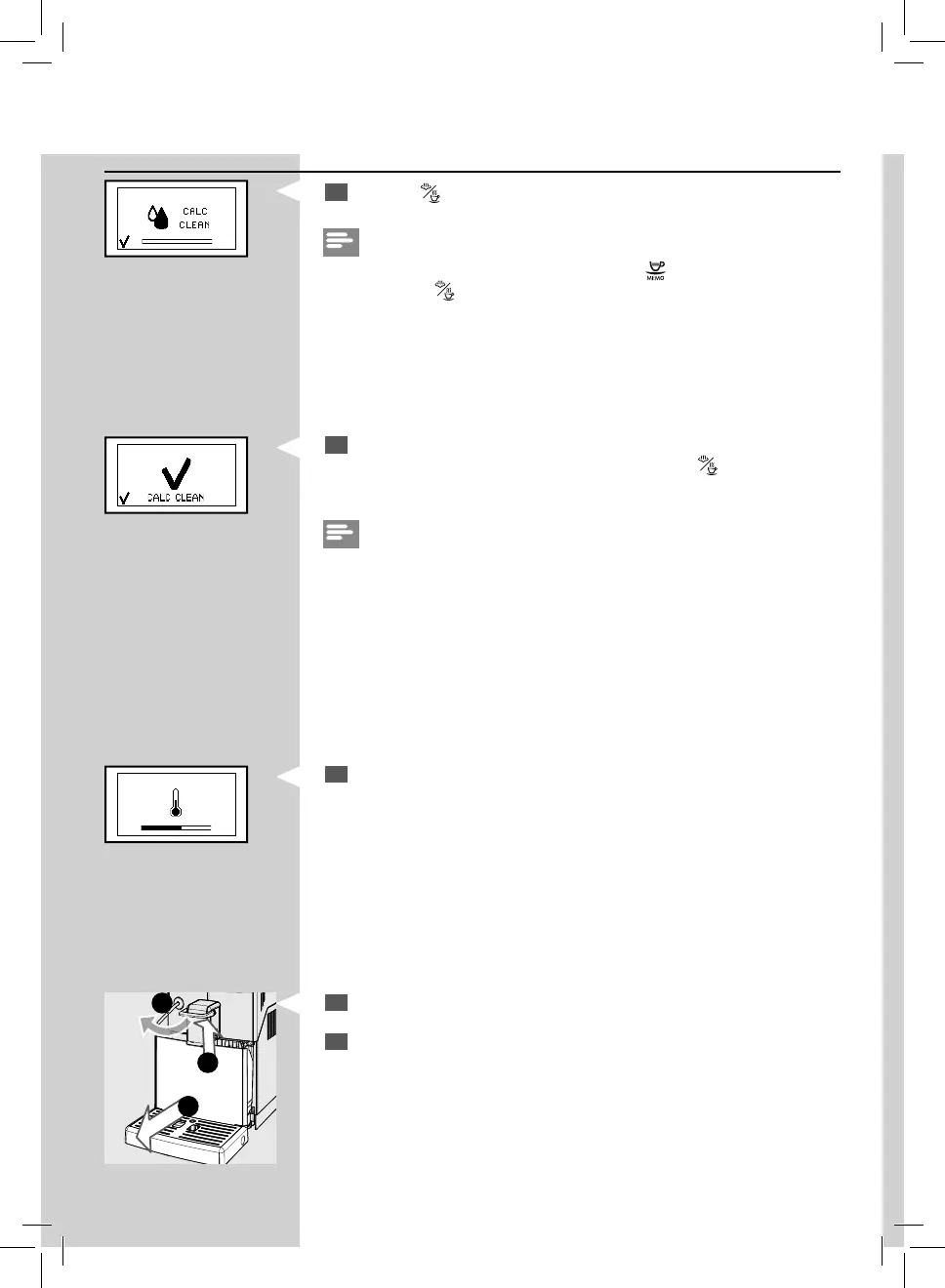
Press the “ ” button to start the rinse cycle.
Note:
The rinse cycle may be paused by pressing the
“ ”
button. To resume the
cycle, press the
“ ” button
. This allows you to empty the container or to
leave the machine unattended for a short time.
16
When the amount of water needed for the rinse cycle has been com-
pletely dispensed, this icon is displayed. Press the “
” button to quit
the descaling cycle.
Note:
If the water tank has not been lled up to the CALC CLEAN level, the ma-
chine might require one more rinse cycle. Fill the water tank and put it back
into the machine.
Repeat from step 15.
20
Remove and empty the container.
21
Empty the drip tray and the co ee grounds drawer and place them
back.
Yellow
19
The machine warms up and performs the automatic rinse cycle.
1
3
2


 To Next Page
 Loading...