PROLiNK Hurricane 5200C/5201 ADSL2+ Modem / Router
User Manual
Page 27 of 59
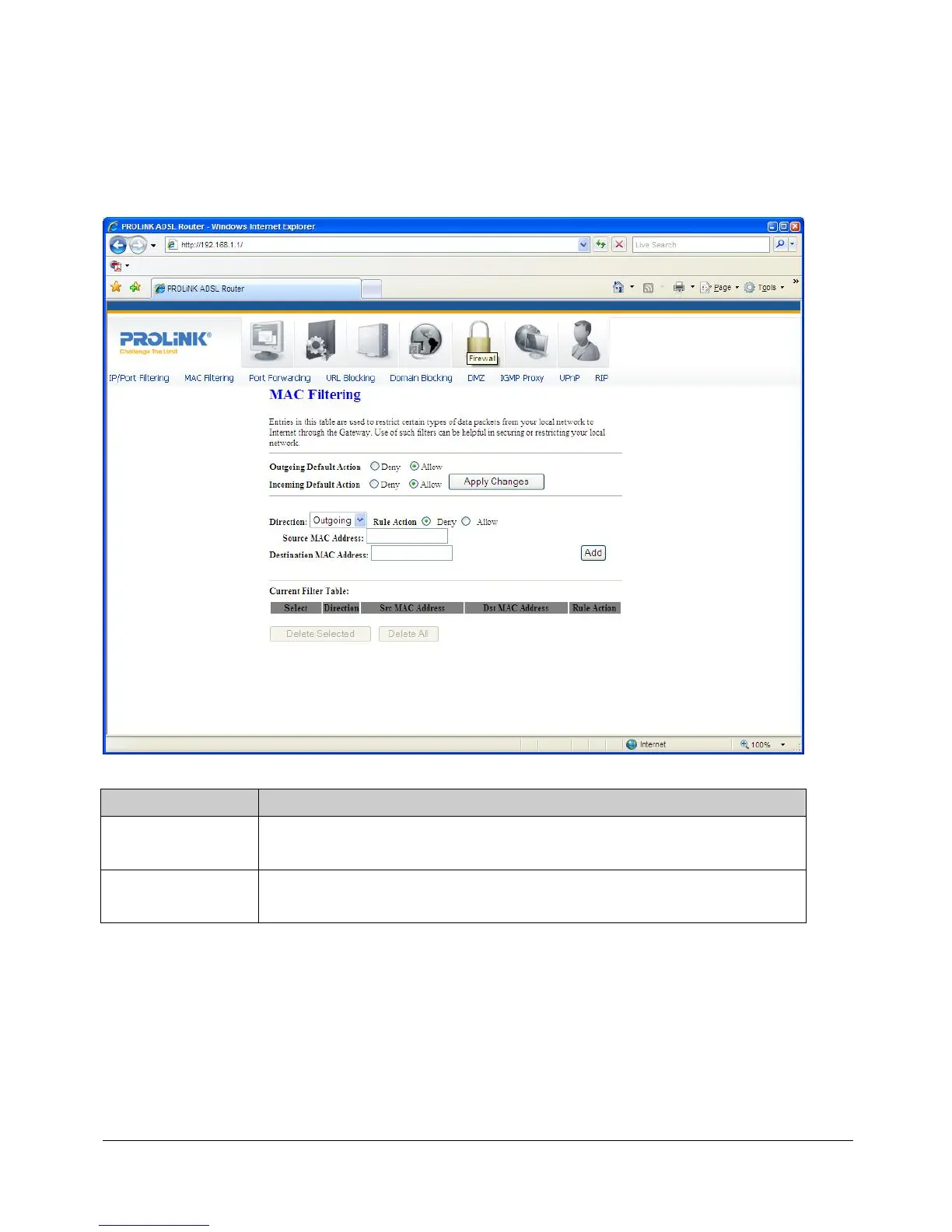
MAC FILTERING
The MAC filtering feature allows you to deny/allow frames through the modem/router
based on source MAC address, destination MAC address, and traffic direction.
Fields settings on the first block:
Field Description
Outgoing Default
Action
Specify the default action from LAN to WAN bridging/forwarding path.
Incoming Default
Action
Specify the default action from WAN to LAN bridging/forwarding path.
Function button for the first block:
Apply Changes
Click to apply the setting of default actions to the configuration.


 To Next Page
 Loading...






