PROLiNK Hurricane 5200C/5201 ADSL2+ Modem / Router
User Manual
Page 53 of 59
10 Admin
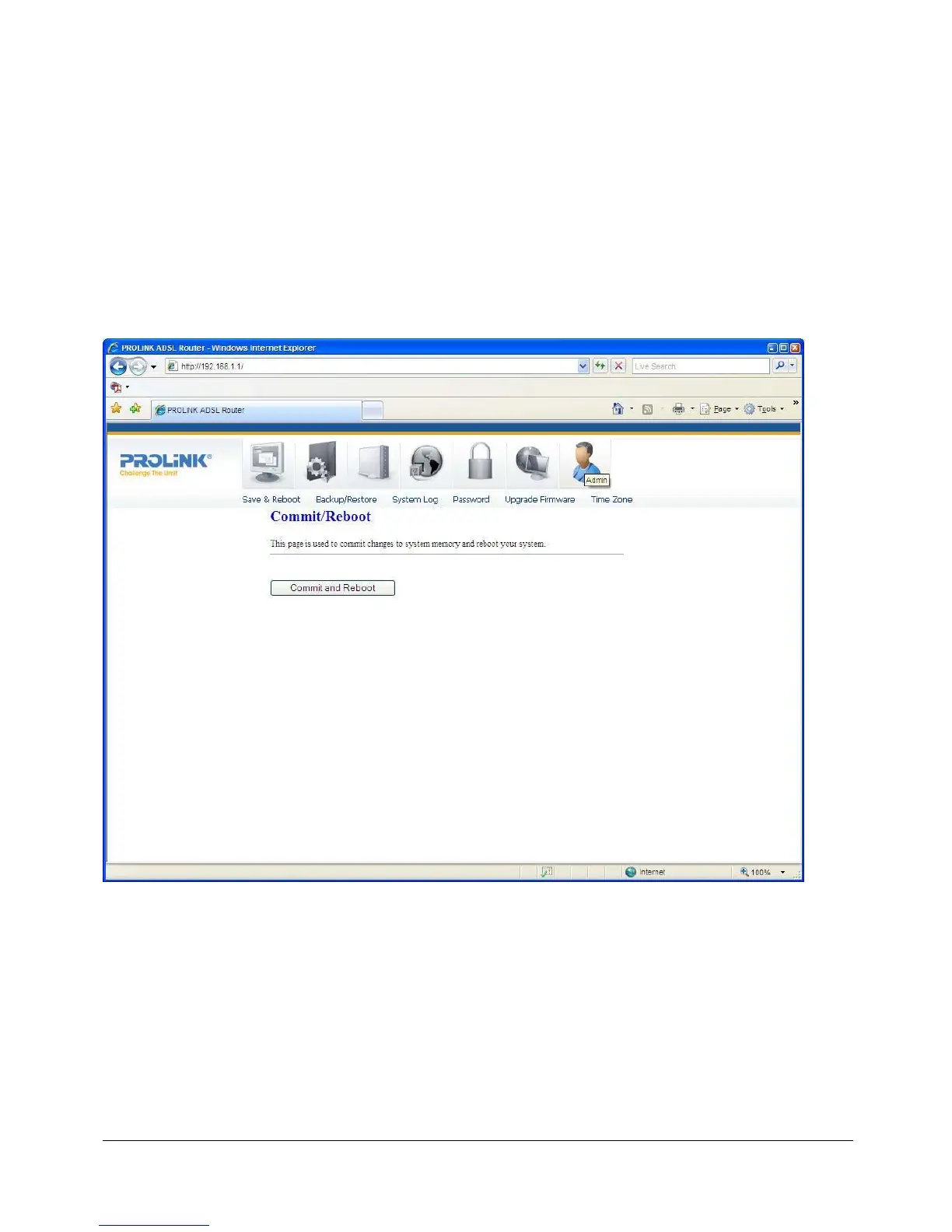
10.1 SAVE & REBOOT
Whenever you use the Web configuration to change system settings, the changes are
initially stored in temporary storage. These changes will be lost if the modem/router is reset
or turn off. To save your changes permanently, you can use the Commit function.
Function buttons in this page:
Commit and Reboot
This function saves your changes permanently, from RAM to flash memory and reboot the
modem.
IMPORTANT! Do not turn off your modem or press the Reset button while this procedure is in
progress.



 To Next Page
 Loading...





